


How to Upload One Video to Multiple Platforms Without Rewriting Everything
A practical workflow for turning one finished video into platform-specific titles, descriptions, tags, thumbnails, clips, and posts for six publishing platforms.
ทีมงาน VidSeeds.ai
โดย
Posting one video everywhere sounds simple until you do it.
YouTube wants a full title, description, tags, chapters, thumbnail, and sometimes localization. TikTok wants a sharper caption and a different hashtag rhythm. Instagram Reels needs a short promise. LinkedIn may need a more professional framing. X wants brevity. Facebook has its own expectations.
The mistake is copying one caption into every platform and hoping the format does not matter.
Start with one source of truth
The source of truth should be the finished video, not a spreadsheet of guessed keywords.
Before writing anything, capture:
- The central promise of the video.
- The first strong hook or reveal.
- The audience who should care.
- The moments that could become Shorts, Reels, or TikToks.
- The visual frames that could support a thumbnail.
- The channel voice and any brand constraints.
VidSeeds.ai does this by analyzing the speech, scenes, pacing, and project context. You can do a manual version too, but the key is to stop rewriting from scratch in each platform tab.
Build platform-specific packages
One video can produce several packages:
- YouTube: title, description, tags, chapters, thumbnail direction, and localization fields.
- TikTok: short caption, hook-forward post copy, hashtags, and short-form clip notes.
- Instagram: Reel-ready copy, caption shape, hashtags, and visual promise.
- Facebook: more context when the audience needs it.
- LinkedIn: professional framing without sanding off the creator's voice.
- X: short post text and clear reason to watch.
The output should adapt to the platform while preserving the same core promise.
Keep approvals in one place
Multi-platform publishing becomes messy when the assets are scattered.
Use one project to review the title, thumbnail direction, descriptions, clip package, localization, and posts. When a teammate or client asks why the LinkedIn version is different from the TikTok version, the reason should be visible in the workflow, not buried in a private note.
Do not let speed create generic copy
The fastest path is often the worst one: "make six captions from this transcript."
That produces generic posts because it ignores the video structure, the first-frame promise, the platform field limits, and the channel voice. A better workflow starts from the actual video and generates reviewable drafts that can be edited before publishing.
How VidSeeds.ai handles it
VidSeeds.ai prepares one finished video for YouTube, TikTok, Instagram, Facebook, LinkedIn, and X. The workflow can include metadata, thumbnails, short-form packages, localization, and direct publishing after review.
It is not trying to replace your judgment. It removes the repetitive rewrite work so your judgment can focus on the final choices.
Related guides
อ่านต่อ

Best AI Tools for Video Packaging and Multi-Platform Publishing
A practical comparison of AI tool categories for creators: editors, schedulers, YouTube SEO tools, thumbnail generators, localization tools, and AI video publishing workflows.

What Is AI Video Publishing? A Practical Guide for Finished Videos
AI video publishing is the workflow after editing: analyzing a finished video, preparing metadata, thumbnails, clips, localization, and platform posts before anything goes live.
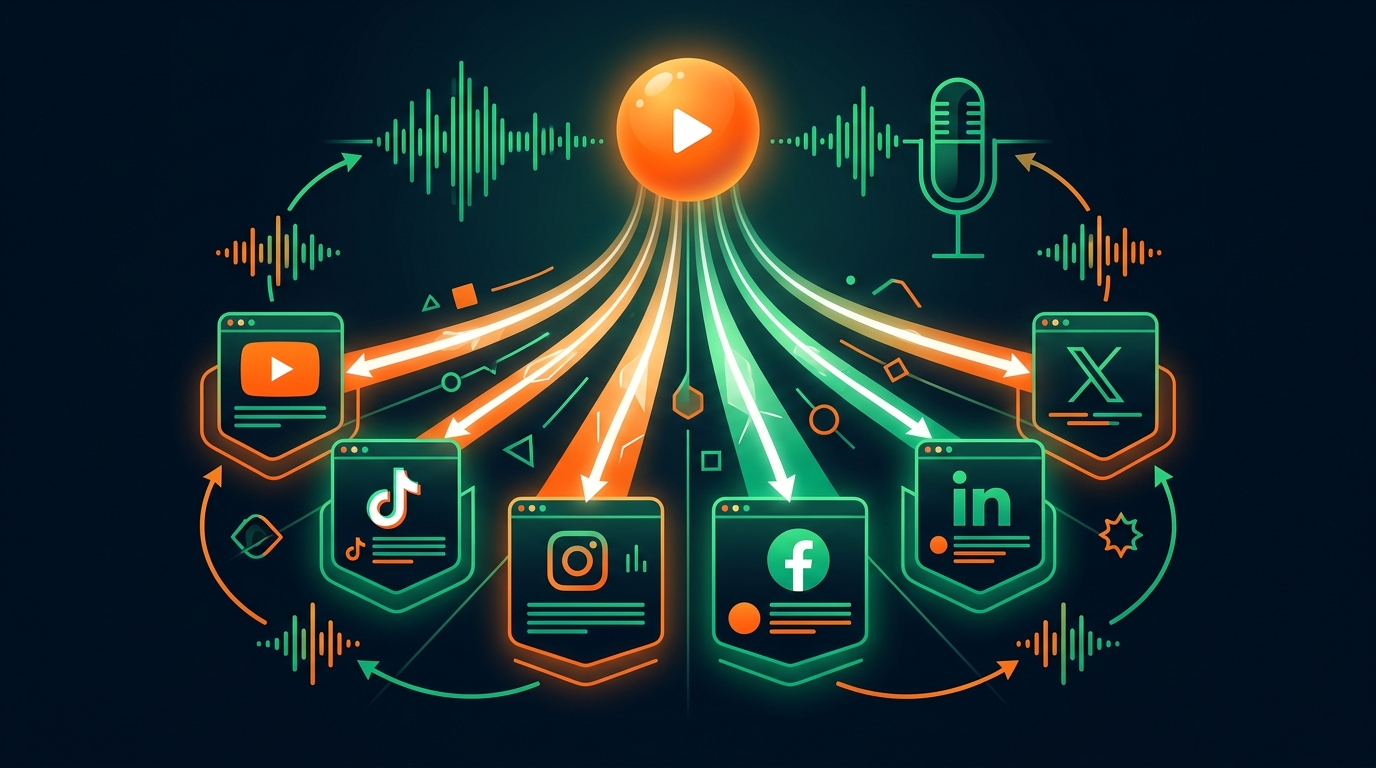
Optimize and Publish One Video to YouTube, TikTok, Instagram, Facebook, LinkedIn, and X — In Your Voice
One video. One analysis. AI produces platform-native titles, descriptions, tags, hashtags, and captions for all six major video platforms, written in your actual voice and ready for review before anything goes live.