


From Keywords to Meaning-First Video Intelligence: How Discovery Changed
Why legacy keyword counters miss packaging mismatches, and how meaning-first video intelligence reads speech, scenes, and timing before you publish to YouTube.
For more than a decade, "YouTube optimization software" meant a text box that graded another text box. You typed a working title, pasted twenty comma-separated tags, and watched a browser sidebar turn from orange to green because your target phrase appeared three times in the description. Meanwhile, the software had zero idea what happened inside your video file. You could upload twenty minutes of a lens cap on a desk, stuff a high-volume keyword into three fields, and collect a 95/100 SEO badge.
On my own channel here in Colorado, chasing green keyword badges wasted months of my early uploads. Whenever a forced search phrase brought viewers to a video that delivered a calmer or narrower story than the label implied, viewers left inside twenty seconds and YouTube buried the upload. That gap between reading text around a video and understanding the video itself is why video intelligence shifted from keyword counting to meaning-first multimodal analysis.
What changed inside YouTube's own understanding layer
Modern recommendation and search systems no longer depend on creator-supplied tags to figure out what an upload covers. YouTube processes speech tracks, on-screen text, visual objects, chapter boundaries, and second-by-second viewer behavior the moment a file lands on its servers.
When a legacy tool only inspects your title and tag box, it grades yesterday's proxy while YouTube grades the actual viewer experience:
| Dimension | Legacy Keyword-First Tools | Meaning-First Video Intelligence |
|---|---|---|
| Primary Input | Title string, tag list, and competitor search volume tables | Spoken transcript, extracted visual keyframes or direct video, pacing, and channel history |
| When Analysis Happens | Before scripting (abstract topic) or after writing a guessed title | On the finished video cut before public launch (plus post-publish autopsy) |
| Packaging Mismatch Check | Blind: cannot tell if minute 0:00 contradicts the headline | Explicit: flags late hooks, missing payoffs, and covers unsupported by the footage |
| Chapter & Clip Output | Manual timecode hunting by the creator | Timestamped chapters, cut-list markers, and standalone clip moments pulled from real timing |
| Creator Voice Handling | Generic high-CTR templates shared by thousands of channels | Grounded in Author Voice DNA learned from your own catalog and phrasing rules |
Keyword demand data still has a real job: showing you the plain words people type when they describe a problem. Treating keyword repetition as the whole game fails because search terms only earn the impression. Alignment between your packaging and your footage earns the watch time.
How meaning-first multimodal analysis actually reads a cut
"Multimodal" sounds academic, yet in practice it means inspecting the same channels a human producer pays attention to in an editing suite: what is said, what appears on screen, and when the energy turns.
Inside Video Intelligence and Multimodal Analysis at VidSeeds.ai, source coverage adapts honestly to the file you supply rather than pretending every video goes through one magic black box:
- Direct video analysis for short cuts within the upload envelope: When a file fits the direct watch envelope, the multimodal model processes audio, motion, visual transitions, and timing directly.
- Client-First browser intake for multi-gigabyte masters: Nobody wants to wait forty minutes uploading a 14 GB 4K export from a home connection just to review packaging. Client-First intake probes the file locally in your browser, extracts the audio track and representative keyframes, and sends that compact evidence packet for analysis.
- Explicit source provenance: Whether you supply a local file before upload, a published video on a connected YouTube channel you own, or a source where only transcript timing is available, the review states plainly what evidence it read and labels pacing drop risks as hypotheses rather than fake measurements.
Four concrete outputs you only get by reading the footage first
Starting from the video changes every downstream step of launch preparation.
1. Timestamped pre-upload findings and NLE cut markers
Instead of telling you "make your intro punchier," footage-grounded analysis points to exact timestamps: 0:00 to 0:28 repeats the channel Channel Trailer pitch before showing the cabin build or 06:14 to 07:05 restates the wiring diagram already covered at 04:50. Rather than copying notes onto sticky paper, you can export timeline markers directly into Premiere Pro (.xml, .csv), DaVinci Resolve (.edl), Final Cut Pro (.fcpxml), or CapCut (.txt), or hand your editor an expiring zero-login /p/[reportId] link.
2. Titles and backup variants anchored to real moments
Once the core tension, turn, or demonstration in the cut is mapped, titles stop sounding like generic listicles. In the Producer Workbench, you prepare your primary YouTube title alongside a saved 24h backup title that highlights a second true angle from the footage, ready for a one-click swap during First-72-Hours checks (3, 12, 24, and 48 hours plus 7 days and 28 days) if early impressions under-click.
3. Thumbnail concepts pulled from real frames
Staged stock faces erode trust in thoughtful niches. Meaning-first analysis identifies high-clarity visual beats inside your actual video, pairs cover copy that complements rather than duplicates the title, and lets you inspect candidates in the YouTube Feed Simulator before publishing.
4. Chapters, 85-language localization, and supporting platform packages
Because every topic shift already carries a verified timecode, YouTube chapters, localized metadata and SRT/VTT captions across 85 languages (text and captions only, never dubbing your voice), and adapted post copy for TikTok, Instagram, Facebook, LinkedIn, and X flow from one reviewed source of truth after you approve the YouTube launch.
Honest boundaries of video intelligence
Software that understands your video still obeys basic creative physics:
- It is not a video generator or auto-editor: VidSeeds.ai never invents synthetic footage from prompts and never cuts your master file behind your back. You make creative edits in your own NLE or Precision Trim handoff.
- It cannot rescue an empty story: If twenty minutes of footage contain no clear stake, answer, or emotional payoff, accurate metadata simply makes that clear faster.
- Pre-upload retention notes are hypotheses, not measurements: Only real viewers on YouTube produce a measured retention curve. After publishing, Video Autopsy (
/why) joins YouTube Analytics measured retention drops and rises with your video evidence and feeds proven lessons into future projects through Blueprint Carry.
To see how this philosophy shapes a full channel calendar, read the meaning-first way to grow on YouTube in 2026 and our comparison of pre-upload video SEO vs. traditional YouTube SEO.
Have an export ready for YouTube and want packaging built from what is actually inside the cut? Try a meaning-first pre-upload review in VidSeeds.ai. Eligible new accounts can receive 100 free seeds. No credit card is required.
Frequently Asked Questions
What is meaning-first video intelligence?
Meaning-first video intelligence analyzes a finished video's spoken words, visual frames, structure, and timing before drafting titles, descriptions, chapters, captions, or thumbnail concepts. Instead of bending a video around an external keyword score, it ensures your packaging makes a specific promise your footage immediately keeps.
Does keyword research still matter if YouTube understands spoken audio?
Yes, in a supporting role. Search phrasing tells you whether real viewers call a topic "camp kitchen setup" or "overland cooking gear" so your first 45 title characters match natural queries. Keywords help searchers recognize relevance; footage alignment keeps them watching after the click.
How does VidSeeds.ai handle huge 4K video files before upload?
Short cuts within the direct upload envelope undergo direct multimodal video analysis. Larger multi-gigabyte exports use Client-First browser intake, which extracts audio and representative keyframes right in your browser so you get timestamped findings and launch packaging without uploading a massive raw master.
Does VidSeeds.ai generate AI videos or dub my voice?
No. VidSeeds.ai works strictly on finished videos you already filmed and edited. It never generates synthetic video from text prompts and never dubs or clones audio voices; its 85-language localization covers titles, descriptions, chapters, tags, and SRT/VTT captions.
Andrei Kiparuk
Aurora, ColoradoFounder of VidSeeds.ai and YouTube creator in Aurora, Colorado
We built VidSeeds.ai in Aurora, Colorado after watching great YouTube videos stall because of slow openings, unclear titles, and weak thumbnails. Every guide here comes from the video and channel checks we run ourselves.
About the foundersCheck a video
Check your next YouTube video before you upload it
Catch slow openings before upload, hand your editor timestamped markers or a share link, finish your YouTube package, and keep a backup title ready for the first 24 hours.
- Timestamped problems to fix, with marker files for your editor (.xml, .csv, .edl, .fcpxml, .txt) or a share link
- Matching YouTube title, description, tags, chapters, captions, and thumbnail ideas
- Post-publish checks at 3, 12, 24, and 48 hours, 7 days, and 28 days, with a backup title ready at 24 hours
Eligible new accounts can receive 100 free seeds. No credit card is required.
Related guides
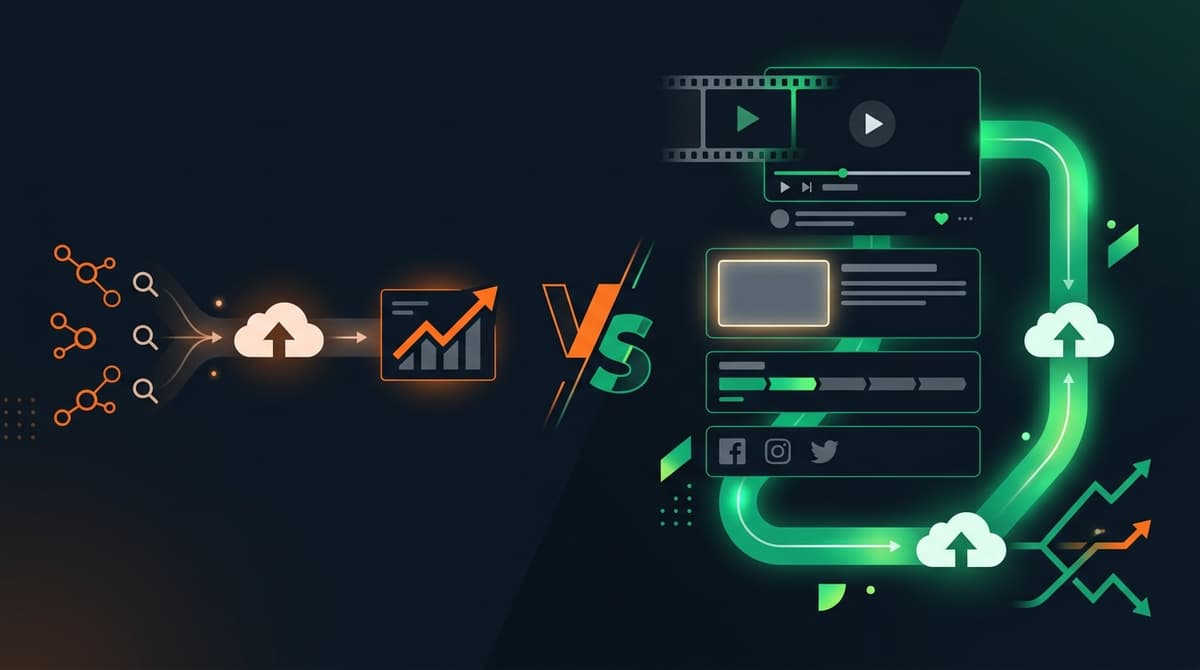
Pre-Upload Video SEO vs. Traditional YouTube SEO: Full 2026 Comparison
Traditional YouTube SEO scores keywords in a text box. Pre-upload video SEO inspects your actual cut, pacing, frames, and voice before launch. Compare both.

Pre-Upload Video Optimization: Every Deliverable You Actually Get
See every concrete output of a VidSeeds.ai pre-upload review: NLE timeline markers, zero-login editor share links, Feed Simulator covers, and 72-hour checks.

Analyze Your YouTube Video Before Uploading: Complete Pre-Upload Review Guide
Catch weak hooks, promise mismatches, pacing drag, and thumbnail blind spots before you publish with timecoded NLE markers and video-grounded packaging.