

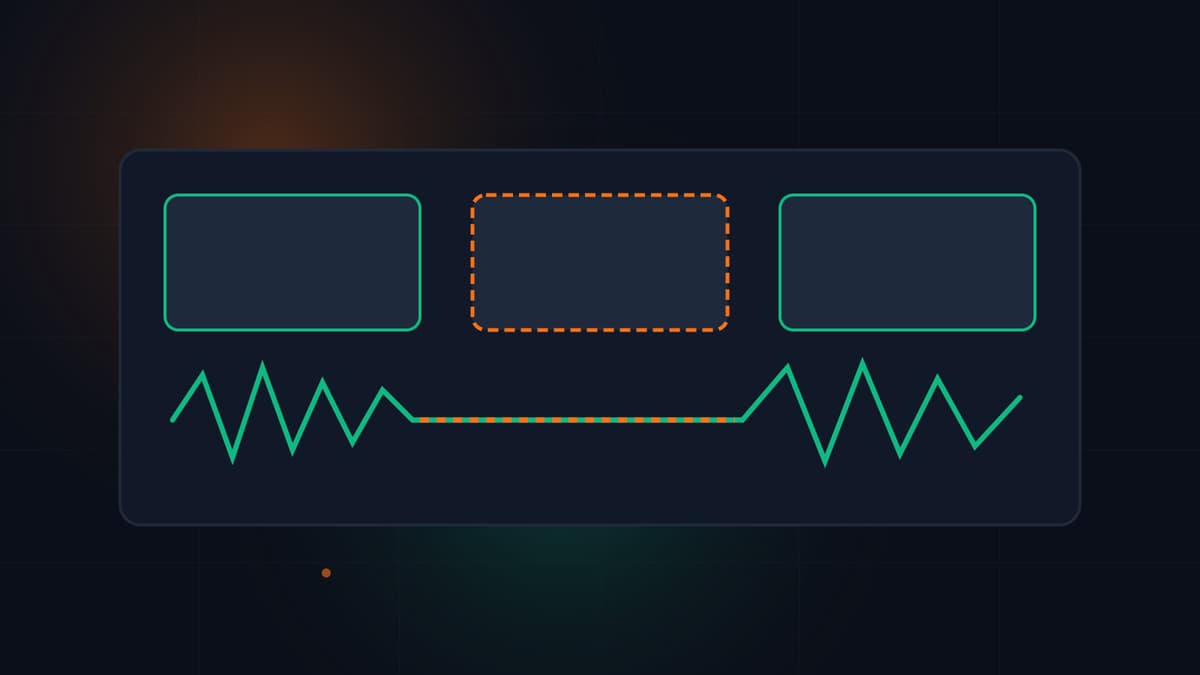
Silent Intros and B-Roll Gaps: Fixing First-30-Second Drop-Offs
30% to 40% of YouTube viewers leave in the first 30 seconds. Fix silent intros and unpaced B-roll gaps before upload to protect November peak $2.35 RPM views.
Between 30% and 40% of viewers leave most YouTube videos within the first 30 seconds, 55% drop off within the first minute, and videos that hold 65% or higher first-minute retention earn a 58% longer average view duration than those falling below 50% (Mean CEO's 2026 Video Hook Retention Statistics). In the first week of November 2026, losing a third of your audience before second thirty carries an even steeper price: across 300 monetized channels tracked by AIR Media-Tech and reported in Umbrella Creators' Q4 2026 upload plan, median YouTube RPM peaks at $2.35 in November (34% higher than January's $1.56 reset), and YouTube calculates that RPM strictly per 1,000 engaged views, not first-frame autoplay impressions.
At the same time, with YouTube testing a lower $20 Partner Program payout threshold (down from $100) for selected creators in the US, India, and Indonesia starting with the October 2026 payment cycle (ALM Corp, November 2, 2026), smaller and mid-sized channels have an immediate incentive to turn every November click into an engaged view. Here is why silent intros and unpaced B-roll gaps trigger early exits on both speech-heavy and visual-first videos, and how multimodal pre-upload analysis catches dead air before you publish.
Why Do Viewers Abandon Both Talking-Head and Visual-First Videos in the First 30 Seconds?
Most advice about YouTube hooks assumes every creator makes fast-talking commentary videos. In reality, early drop-offs happen on two very different types of channels, and transcript-only tools miss half the story because they only read text.
According to Meta's attention research cited in 2026 retention benchmarks, viewers in a feed decide within 1.3 seconds whether an opening frame is relevant to them, and the next 15 to 30 seconds must lock in the context promised by your title and thumbnail. Early abandonment usually comes from one of two structural gaps:
- Silent intros and delayed verbal hooks on speech-heavy videos: A tutorial, review, or founder breakdown opens with 2.5 seconds of room tone while the speaker adjusts the mic, followed by a 5-second spinning logo bumper and 10 seconds of "Hey everyone, welcome back to the channel, sorry I missed last week." By the time the first substantive sentence arrives at
0:18, viewers who clicked for a specific answer have already backed out to the feed. - Unpaced B-roll gaps on visual-first videos: A woodworking build, cooking recipe, desk setup, or no-commentary craft video opens with a static 9-second wide shot of raw materials where nothing moves on screen, no on-screen caption sets the stakes, and the audio track drops to near-zero ambient hiss between cuts. Even on a visual-first channel where viewers do not expect rapid speech, an unanchored visual pause in the first 30 seconds reads like an unedited camera roll rather than an intentional story beat.
How Do Pre-Upload Frame and Audio Checks Spot Dead Air That Transcript Tools Miss?
If you paste a transcript into a standard chatbot, a 7-second silent B-roll stall at 0:08 is completely invisible because there are no words between timestamp 0:06 and 0:13. Conversely, if a tool only looks at audio volume, it will falsely flag a dramatic, intentional 4-second reveal shot on a visual build channel as "dead air" even when the visual motion on screen is captivating.
When you upload a finished MP4, MOV, or WebM cut to VidSeeds.ai Pre-Upload Diagnosis, our Multimodal Video Analysis engine inspects your spoken words, visual scene changes, and audio pacing together across the timeline (and pairs with your channel baseline from YouTube Channel Audit). Instead of claiming to predict or forecast future retention or assigning a fake viral score, it flags specific moments with exact timestamps and labelled retention-risk hypotheses so you and your editor can inspect the cut on a clickable timeline right above your decision summary.
| Opening Defect (0:00 to 0:30) | What Happens on Screen and Audio | How Multimodal Pre-Upload Review Flags It | Exact Pre-Publish Fix in Your Editor |
|---|---|---|---|
Cold-Start Dead Air (0:00 to 0:03) | 1.5 to 3.0 seconds of breath, mic rustle, or black fade-in before the first word or visual action starts. | Detects the audio onset gap and static opening frame before the first spoken token or visual change. | Ripple-delete the pre-speech buffer so frame zero opens mid-action or on the first spoken syllable. |
Promise Delay (0:03 to 0:20) | Speaker greets regulars or plays a channel bumper while ignoring the specific object or question named in the working title. | Flags the mismatch between your draft title/thumbnail entities and the spoken words and visual scenes in the first 20 seconds. | Move the proof shot or core claim to 0:00 to 0:05 and cut the housekeeping greeting entirely. |
Unpaced B-Roll Gap (0:08 to 0:25) | A single camera angle runs 6 to 10 seconds with no visual change, caption cue, or audio transition. | Cross-checks visual scene duration against speech pauses and audio energy to separate intentional reveals from stalled B-roll. | Split the long take into a 2-angle sequence (wide context to close-up detail) or tighten the cut with exported NLE markers. |
Early Sponsor or Self-Promo (0:15 to 0:30) | Asking viewers to subscribe, buy a course, or watch a sponsor read before delivering the first piece of value. | Identifies call-to-action phrasing inside the opening 30-second window as a labelled retention-risk hypothesis. | Shift subscribe prompts and sponsor transitions past the first completed payoff (typically after 1:30). |
How Do You Fix Opening Drop-Offs Without Re-Filming Your November Lineup?
During November's peak Q4 ad season, where Umbrella Creators' Q4 schedule breakdown recommends working backwards from each publish date rather than rushing cuts during Black Friday week, you rarely have time to set up lights and re-shoot an intro. Almost every first-30-second leak can be fixed in fifteen minutes on your existing timeline before you upload to YouTube:
- Run a Pre-Upload Diagnosis on your finished cut: Upload your edited file to VidSeeds.ai (
/pre-upload-diagnosis/) in the web app. Review the timestamped opening findings and labelled retention-risk hypotheses on the video timeline. - Export NLE markers or trim directly: If you or your editor cut in Premiere Pro, DaVinci Resolve, Final Cut Pro, or CapCut, export the accepted timestamped fix notes as
.xml,.fcpxml,.edl,.csv, or.txtmarkers so every slow gap in the first 30 seconds lands directly on your timeline, or use Precision Trim inside VidSeeds.ai to cut dead pauses cleanly. - Align your YouTube launch package with your recut opening: Once the opening 30 seconds match your core promise, approve your YouTube title, 24-hour backup title, description,
0:00chapters (at least 3 chapters, each 10 seconds or longer), tags, SRT/VTT captions, and frame-grounded thumbnail inside the web app. - Localize captions and metadata for international Q4 viewers: Because 2026 retention data notes that captions and localized hooks help viewers lock onto your opening immediately, use AI Video Translation to localize your approved YouTube titles, descriptions, chapters, and SRT/VTT captions into 85 languages in your own voice (never audio dubbing or voice cloning), and adapt the approved launch across 6 platforms (YouTube, TikTok, Instagram, Facebook, LinkedIn, and X).
Nothing ever publishes without your approval. Eligible new accounts can receive 100 free seeds with no credit card required, and if an analysis ever fails, it costs 0 Seeds.
Frequently Asked Questions
Why do first-30-second drop-offs hurt Q4 YouTube revenue more in November 2026?
While YouTube's August 24, 2026 update counts a public view from the very first frame a video plays, YouTube still calculates RPM and ad earnings per 1,000 engaged views. When November median RPMs peak at $2.35 (AIR Media-Tech data via Umbrella Creators), viewers who abandon your video during a silent intro or stalled B-roll gap in the first 30 seconds never convert into engaged watch time or mid-roll ad impressions.
Does pre-upload analysis penalize visual-first, ASMR, or no-commentary videos for having no speech?
No. Unlike transcript-only tools that fail when there is no dialogue, VidSeeds.ai (/features/multimodal-analysis/) evaluates visual scene changes, on-screen actions, and audio texture alongside any spoken words. It distinguishes intentional visual demonstrations from unpaced dead air where neither the frame nor the audio gives the viewer a reason to stay.
Does VidSeeds.ai predict my exact retention percentage or give a viral score before upload?
Never. No tool can honestly forecast how a live audience will behave before a video goes public. VidSeeds.ai (/pre-upload-diagnosis/) inspects your actual finished cut and flags weak openings, promise mismatches, and pacing lulls with exact timestamps and clearly labelled retention-risk hypotheses so you can decide what to tighten before publishing.
How do I send timestamped intro fixes from VidSeeds.ai to my video editor?
Inside the VidSeeds.ai web app, you can export your accepted timestamped fix notes as .xml, .fcpxml, .edl, .csv, or .txt timeline markers that open directly inside Adobe Premiere Pro, DaVinci Resolve, Final Cut Pro, and CapCut, or send your editor a read-only share link with no login required.
Andrei Kiparuk
Aurora, ColoradoFounder of VidSeeds.ai and YouTube creator in Aurora, Colorado
We built VidSeeds.ai in Aurora, Colorado after watching great YouTube videos stall because of slow openings, unclear titles, and weak thumbnails. Every guide here comes from the video and channel checks we run ourselves.
About the foundersCheck a video
Check your next YouTube video before you upload it
Catch slow openings before upload, hand your editor timestamped markers or a share link, finish your YouTube package, and keep a backup title ready for the first 24 hours.
- Timestamped problems to fix, with marker files for your editor (.xml, .csv, .edl, .fcpxml, .txt) or a share link
- Matching YouTube title, description, tags, chapters, captions, and thumbnail ideas
- Post-publish checks at 3, 12, 24, and 48 hours, 7 days, and 28 days, with a backup title ready at 24 hours
Eligible new accounts can receive 100 free seeds. No credit card is required.
Related guides
How AI Search Engines Cite YouTube Videos: The 2026 GEO Guide for Creators
Long-form videos drive 94% of YouTube citations in AI search. Learn how chapters, clean transcripts, and answer-first descriptions get your videos cited.

YouTube Algorithm Changes in 2026: What Shifted and What to Do
How YouTube ranks videos in 2026 using spoken meaning, early hook satisfaction, session watch time, and AI search citations, plus what to fix before upload.

YouTube SEO in 2026: The Complete Guide to Ranking and Organic Growth
The 2026 YouTube SEO field guide by Andrei Kiparuk: how Search, Suggested, Browse, and AI answers evaluate your video, metadata, thumbnails, and first 72h.