


How to Translate Video Metadata and Captions into 85 Languages
Localize YouTube titles, descriptions, chapters, tags, and SRT or VTT captions into 85 languages in your channel voice without dubbing your original audio.
Localize YouTube titles, descriptions, chapters, and SRT/VTT captions across 85 languages in your channel voice.
Most creators put off international growth because they assume localization requires synthetic voice dubbing, awkward lip-syncing, or hiring voice actors for every upload. Meanwhile, millions of viewers already watch YouTube tutorials, reviews, travel films, and technical breakdowns in another spoken language every day, provided two things are true: they can recognize what the video promises in the feed, and they can follow accurate subtitles once they click.
That publishing layer is where practical localization starts. When you localize titles, descriptions, chapters, tags, and timecoded SRT or VTT caption tracks, searchers in Madrid, Seoul, Berlin, or Sao Paulo can discover your video using the exact phrases they type in their own language, while your original recorded voice, room tone, and delivery stay untouched.
At VidSeeds.ai, we support metadata and caption localization across 85 languages. Let me set the product boundary clearly right up front: VidSeeds.ai never dubs audio, never clones voices, never alters lip movement, and never modifies your source video file. We localize the text and caption surfaces around the video you already made.
Why Literal Translation Quietly Kills Click-Through
Pasting an English YouTube title into a generic machine translator gives you grammatically passable words that almost nobody searches and even fewer people click. Search phrasing and curiosity hooks do not map word for word across cultures.
Take a practical example from camera or workshop channels. An English title like "Budget Shop Light Setup: 3 Cheap Fixes That Killed Shadows" relies on English idioms. Translate "Killed Shadows" literally into German, Japanese, or Spanish and the title reads like broken machine output or an odd crime headline. A viewer scrolling on a phone spots awkward phrasing in half a second and skips the video, assuming the subtitles inside will be just as confusing.
Real metadata localization has to solve four jobs at the same time:
- Search intent alignment: using the natural term real viewers type in that market rather than a dictionary calque.
- Mobile truncation discipline: keeping the core promise inside the first ~40 visible characters, which shifts dramatically between compact scripts like Japanese and longer inflected languages like German or Polish.
- Hook honesty: preserving the exact tension and payoff of your opening thirty seconds without exaggerating what the cut delivers.
- Author Voice DNA: maintaining your tone, directness, and vocabulary boundaries instead of flattening your channel into stiff corporate prose.
| Localization Surface | What Literal Machine Translation Produces | What Evidence-Grounded Transcreation Produces |
|---|---|---|
| YouTube Title | Word-for-word English idiom that often overflows mobile width | Native search phrasing front-loaded for mobile reading with the real hook intact |
| Description Opening (first 150 chars) | Stiff summary repeating awkward literal nouns | Clear two-line viewer promise matching local search habits above the fold |
Video Chapters (0:00 timestamps) | Broken fragments stripped of timeline context | Scannable timecoded labels tied to the actual scene transitions in your video |
| SRT / VTT Captions | Untimed text blocks or literal slang errors | Time-aligned subtitle cues paced for comfortable reading alongside your real voice |
| Supporting Platform Posts | Identical translated paragraph pasted everywhere | Native post length, line breaks, and hashtag norms for each connected destination |
What Actually Belongs in a Localized Video Package
When you localize an upload on YouTube, YouTube Studio stores separate language entries under the Subtitles and Title & Description tabs on your single canonical video URL. Every view, comment, watch minute, and subscriber stays consolidated on that one upload instead of splitting momentum across separate regional channels.
Here is how each piece of the package pulls its weight:
1. Localized Titles and Above-the-Fold Descriptions
YouTube serves your localized title and description automatically when a viewer's interface language matches a translation you uploaded. Because the first 40 characters of the title and the first 150 characters of the description decide whether a cold viewer understands the value proposition, those two fields deserve your closest attention. Restate the concrete outcome in plain local phrasing right at the top of the description before any links or boilerplate.
2. Timecoded Chapters That Survive Translation
When you include chapters starting at 0:00 inside each localized description, international viewers get labeled scrub-bar segments in their own language. Even when someone does not speak your recorded language fluently, clear localized chapter markers tell them where each step, demonstration, or test happens on screen so they stay instead of bouncing.
3. Clean SRT and VTT Caption Tracks
Auto-generated captions struggle whenever a video includes technical terms, brand names, regional place names, background wind, or fast conversational pacing. Worse, automatic translation layered on top of a messy auto-transcript compounds every misheard word into nonsense.
Starting from a clean timecoded transcript of your actual video fixes the root problem. Exporting structured SRT or VTT subtitle tracks preserves exact cue start and end timestamps (00:00:12,400 --> 00:00:15,900), keeps line lengths readable so subtitles do not cover half the frame, and keeps proper nouns consistent from the opening hook to the end screen.
4. Supporting Destination Copy After YouTube Approval
Once your YouTube launch package is reviewed and approved, VidSeeds.ai can adapt localized post copy for TikTok, Instagram, Facebook, LinkedIn, and X across 6 platforms if you distribute clips or announcements internationally. YouTube leads the workflow; supporting feeds inherit the same verified content truth rather than forcing you to copy-paste clips through separate translation tabs.
For a strategic look at how global discovery compounds across a catalog, read our companion guide on 85-language metadata translation for global audiences.
Why Keeping Your Original Voice Audio Often Works Better Than Bad Dubbing
Creators sometimes hesitate to publish localized titles and subtitles if the spoken audio remains in English, Spanish, or Russian. That hesitation makes sense if your title tricks viewers into expecting a native-language voiceover, or if your video is an unscripted audio-only podcast with nothing happening visually.
On visual formats, however, authentic original audio paired with clean subtitles performs remarkably well:
- Demonstrations, coding, cooking, repairs, and builds: the viewer is watching your hands, screen, or tools while reading crisp subtitles.
- Travel, outdoors, cinematography, and music: the real atmosphere, ambient sound, and human emotion in your voice carry across language barriers when synthetic dubbing would sound sterile and uncanny.
- Product testing and teardowns: charts, measurements, and side-by-side shots carry the proof visually while localized captions explain your conclusions.
The honest rule is transparency. Keep your localized title accurate to what is on screen, make sure your SRT or VTT captions are uploaded before or right as the localized metadata goes live, and never imply dubbed audio when you are providing subtitles.
How to Pick Your First Target Markets From Real Channel Data
Even though VidSeeds.ai supports 85 languages from one project workspace, you do not have to turn on every market blind on day one if you prefer a measured rollout. Open YouTube Studio Analytics, switch to the Advanced view under Geography and Subtitle Languages, and look for three signals:
| Analytics Signal in YouTube Studio | What It Tells You | Recommended First Move |
|---|---|---|
| Foreign countries already generating 1–5% of impressions | Viewers in those markets are already testing your videos despite untranslated titles | Prioritize localized titles, descriptions, and SRT captions for those specific markets first |
| High clicks but fast 20-second drop-off in non-native regions | Viewers understood the thumbnail visually, clicked, and hit missing or broken captions | Upload verified SRT/VTT caption tracks alongside localized chapters immediately |
| Evergreen "how-to" or product model queries in Search report | Technical model numbers and workflows travel globally across languages | Localize your top 10 evergreen search videos in Launch Review and track 28-day search impressions |
How to Review Languages You Do Not Speak
Nobody speaks 85 languages fluently. If you are a solo creator or a small production team, you still need a reliable way to check localized packages before approving them for publication:
- Anchor on structural parity. Verify that every localized description still starts with
0:00in its chapter list, preserves every URL without mangling query strings, and keeps brand names (VidSeeds.ai, camera models, software names) untranslated where appropriate. - Check character budgets visually. Inspect title lengths so an expanded Romance or Slavic phrasing did not push your main subject past character 70 or break the 100-character YouTube ceiling.
- Spot-check back-translation on the hook. Take the localized title and the first two lines of the description in your top three non-native markets and check their plain meaning. You are confirming the promise did not drift from your opening thirty seconds.
- Start with a controlled batch. Roll out localized metadata and captions on five proven evergreen uploads first, watch impressions and average view duration by geography over 28 days, and expand once you see which audiences stick around.
If you want a step-by-step look at preparing older uploads alongside new releases, see our AI video translation workflow guide.
Run One Video Across 85 Languages Without Losing Your Voice
Upload a finished cut or select a video from your connected YouTube channel, review the timecoded transcript and English package first, and generate localized titles, descriptions, chapters, tags, and SRT or VTT captions in the markets you choose. Every field stays editable, your original voice audio stays untouched, and nothing publishes until you approve it. Eligible new accounts can receive 100 free seeds. No credit card is required. Localize your next YouTube video package in VidSeeds.ai.
Frequently Asked Questions
Does VidSeeds.ai dub my voice or lip-sync my video into other languages?
No. VidSeeds.ai localizes text and subtitle assets only: titles, descriptions, tags, chapters, timecoded SRT or VTT captions, and supporting social post copy across 85 languages. Your source audio track and video footage are never dubbed, cloned, or altered.
Does publishing localized metadata split my views across multiple YouTube uploads?
No. YouTube attaches localized titles, descriptions, and caption tracks to your single original video ID. Viewers see the title and subtitles matching their language settings, while all watch time, comments, and subscribers accumulate on your main video.
How does VidSeeds.ai avoid literal word-for-word translation mistakes?
Instead of translating a title string in isolation, VidSeeds.ai grounds every localized package in the video's full timecoded transcript, key scene context, and your Author Voice DNA. That context lets the system adapt idioms and front-load natural search terms while keeping the promise faithful to your cut.
Can I export SRT or VTT subtitle files and review everything before publishing?
Yes. Every localized title, description, chapter block, tag list, and timecoded caption track sits inside your project for review and manual editing. Publishing through VidSeeds.ai is always optional, and nothing is sent to YouTube or any supporting platform without your explicit approval.
Andrei Kiparuk
Aurora, ColoradoFounder of VidSeeds.ai and YouTube creator in Aurora, Colorado
We built VidSeeds.ai in Aurora, Colorado after diagnosing real YouTube uploads and watching strong cuts stall behind unclear openings, generic titles, and untested thumbnails. Every guide here comes from the pre-upload review, retention analysis, and packaging workflows we run ourselves.
About the founders85-Language Metadata & Captions
Translate your YouTube metadata and captions across 85 languages
Prepare reviewable localized titles, descriptions, chapters, and SRT/VTT captions across 85 languages. VidSeeds.ai localizes text metadata and captions only, never audio dubbing.
- Localized YouTube titles, descriptions, tags, and chapter markers across 85 languages
- Timed SRT and VTT caption tracks ready for creator review
- Metadata and captions only, keeping your original spoken audio untouched without dubbing
Eligible new accounts can receive 100 free seeds. No credit card is required.
Related guides

85-Language YouTube Metadata and Caption Localization Without Losing Your Voice
Localize YouTube titles, descriptions, chapters, and SRT or VTT captions across 85 languages from actual video context while keeping your channel voice intact.

YouTube Video Translation Guide: One Channel vs Multi-Channel Localization
Decide between single-channel multilingual metadata plus SRT captions and separate dubbed channels, with a practical workflow for global YouTube discovery.
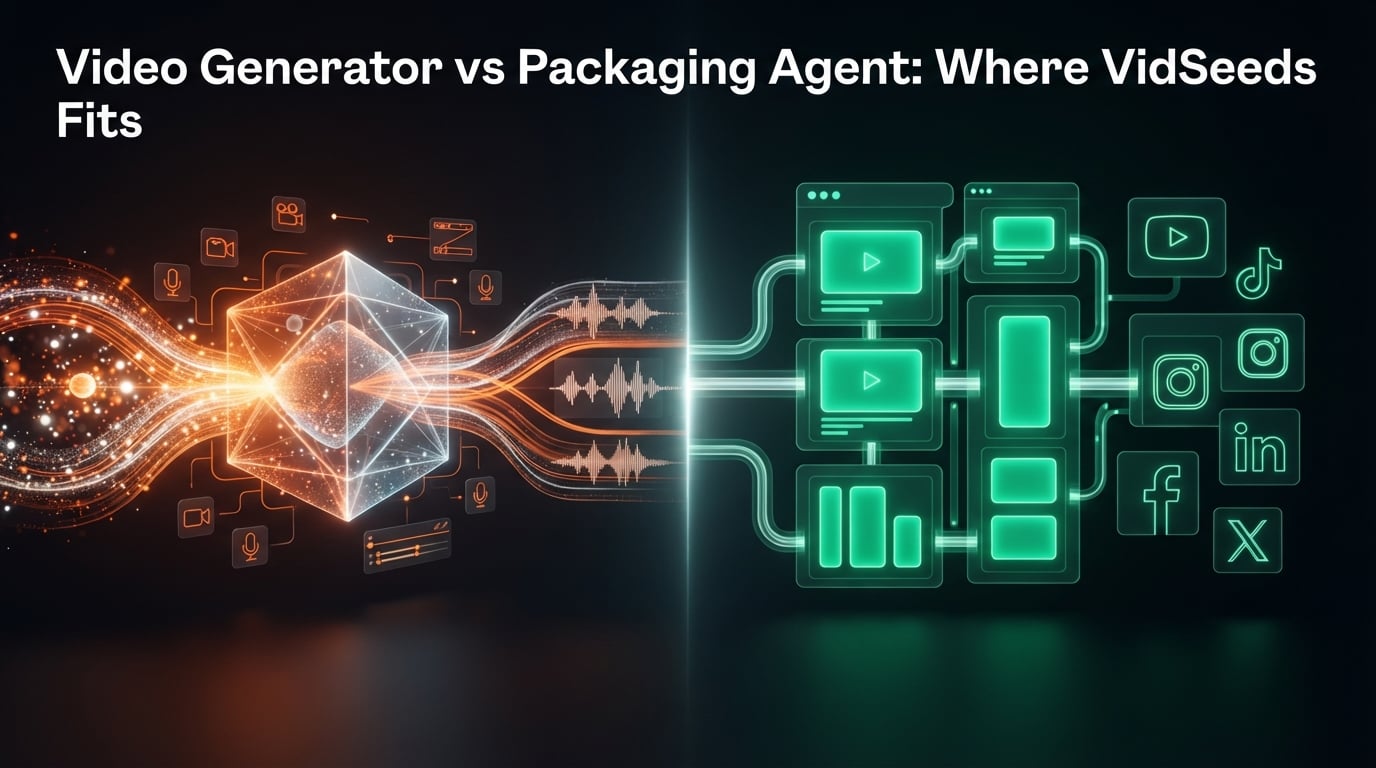
Video Generator vs Packaging Agent: Where VidSeeds.ai Fits
AI video generators create footage from text. VidSeeds.ai packages finished videos for YouTube growth first, with optional clips, captions, and 6 platforms.