

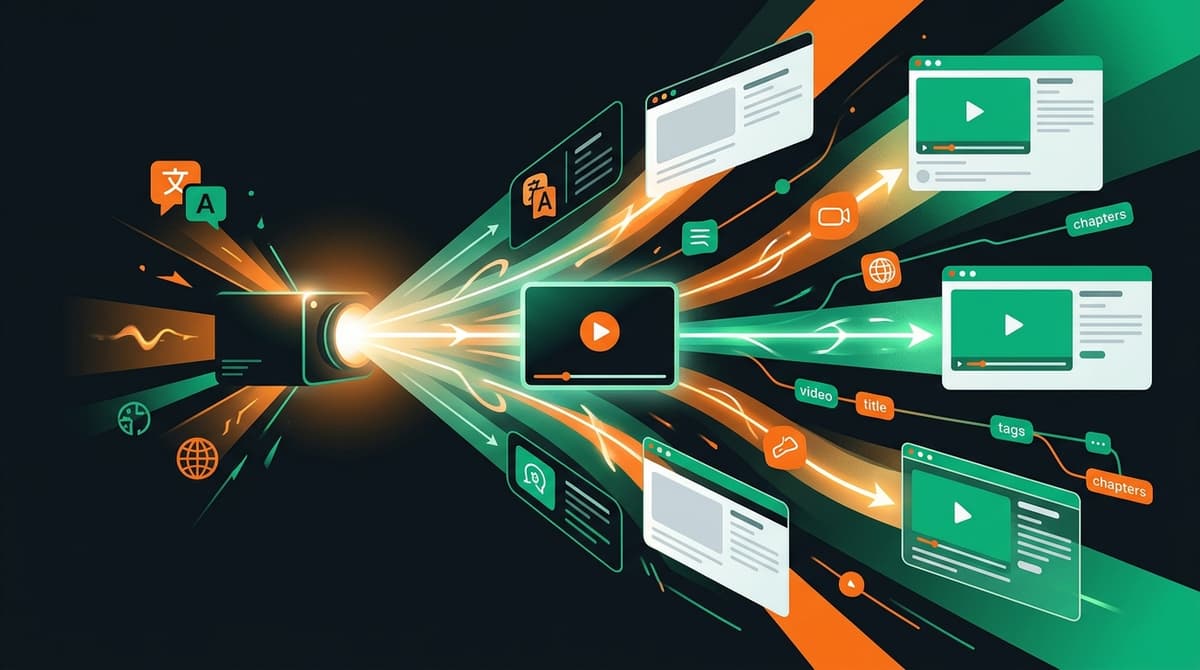
YouTube Video Translation Guide: One Channel vs Multi-Channel Localization
Decide between single-channel multilingual metadata plus SRT captions and separate dubbed channels, with a practical workflow for global YouTube discovery.
Every growing YouTube channel hits the same strategic fork once non-primary geographies climb past 10% of views: should you spin up separate translated channels, pay for multi-language audio dubbing, or localize metadata and timed captions on your main channel?
Five years ago, launching separate Spanish or Portuguese channels was the default agency pitch. Today, YouTube's single-upload localization architecture makes separate channels a costly trap for almost every independent creator and lean brand team. Splitting into separate channels resets your upload history to zero, fractures comment momentum, multiplies thumbnail maintenance, and leaves you managing orphan accounts you stop updating after two months.
For the vast majority of educational, technical, creative, product, and documentary channels, keeping one canonical channel and localizing titles, descriptions, chapters, and SRT or VTT captions delivers international search and Browse discovery at a fraction of the operational overhead.
Architectural Comparison: Single-Channel Localization vs Dubbing vs Separate Channels
Before spending budget or studio hours on translation, match the localization model to your content format and team capacity:
| Localization Model | How Discovery and Watch Time Accumulate | Operational Cost per Upload | Best Fit | What VidSeeds.ai Supports |
|---|---|---|---|---|
| Single channel + localized metadata + SRT/VTT captions | 100% of views, watch time, and comments consolidate on one video ID | Low; reviewed alongside normal launch packaging | Tutorials, reviews, coding, vlogs, outdoor films, B2B education, music context | Full support across 85 languages (titles, descriptions, chapters, tags, SRT/VTT captions) |
| Single channel + multi-language audio dubbing | Consolidates on one video ID with selectable audio tracks | High if human voice actors; risky for trust if synthetic AI dubbing | Children's animation, fast-cut entertainment, hands-busy listening formats | Metadata and caption layers supported; VidSeeds.ai does not generate AI voice dubbing or lip-sync |
| Separate regional channels per market | Split across isolated video IDs and separate subscriber bases | Very high; separate uploads, community moderation, and analytics per channel | Media networks producing region-specific episodes with local hosts | Separate channel connections supported if you already run distinct regional shows |
Why be skeptical of synthetic voice dubbing on personality-driven channels? Viewers follow creators for human tone, micro-pauses, ambient room or trail sound, and honesty. Flattening your voice into a synthetic dub strips away the exact warmth that converts a first-time viewer into a regular. Clean, natural subtitles paired with a native-sounding localized title let international viewers hear your real voice while following every technical detail without friction.
How Global YouTube Discovery Uses Localized Metadata
When a viewer in Seoul, Berlin, or Mexico City searches YouTube or scrolls their Home feed, YouTube checks whether your upload carries metadata matching their interface language and watch history:
- Localized Title: Shown in Browse, Suggested, and Search results instead of your default-language title. If your title reads like a native promise inside ~60 characters, you compete directly for clicks instead of asking the viewer to mentally translate a foreign headline.
- Localized Description and Chapters: Indexed for non-English search queries (both on YouTube and in Google video key moments) and rendered in the description box with translated
0:00chapter titles. - Uploaded SRT / VTT Subtitle Tracks: Far cleaner than YouTube's automatic speech-to-translate layer, especially when your video includes proper nouns, product model numbers, code identifiers, locations, or measurements.
If you localize only the SRT file while leaving the title in English, international viewers never click in the first place because the impression in their feed still looks untranslated. Conversely, if you localize only the title while leaving broken auto-captions inside the player, viewers click and bounce at 0:20 when they cannot follow your spoken explanation. Both layers have to ship together.
A Four-Step Localization Workflow That Scales Weekly
Running global localization on every upload stays manageable when you tie it directly into your pre-publish routine inside VidSeeds.ai Video Localization:
Step 1: Lock Your Source Cut and Primary Package First
Never localize a half-baked draft. Finish your Pre-Upload Review, trim any slow opening beats, and approve your primary YouTube title, description, and chapter timestamps first. Fixing a timestamp or chapter boundary once in the primary package keeps every localized version aligned.
Step 2: Anchor Translation in Full Video Context
Raw text translation fails because an isolated title does not explain what happened on camera. VidSeeds.ai generates localized titles, descriptions, chapters, and SRT or VTT captions from your analyzed video transcript, visual evidence, and Author Voice DNA across 85 languages. Idioms get replaced with natural equivalents in each target market rather than awkward word-for-word calques.
Step 3: Verify Length, Proper Nouns, and Timestamp Formatting
Before publishing, scan three mechanical checks on your top revenue or watch-time markets:
- Title length stays crisp on mobile feeds without cutting off the primary noun.
- Brand names, model numbers, and personal names stay consistent with your channel glossary.
- Every localized description begins its chapter list at
0:00with at least three chapters of ten seconds or longer so YouTube keeps chapter segments active.
Step 4: Measure International Click-Through and Retention in Studio
Two weeks after publishing, filter YouTube Studio Analytics by Geography and Translation use. Compare click-through rate and average percentage viewed in localized markets against your pre-localization baseline. When a specific country starts returning strong watch duration, you can also adapt your vertical clips and social copy for regional audiences through Multi-Platform Publishing.
For deeper detail on keeping author register and character limits sharp across locales, read 85-Language YouTube Metadata and Caption Localization.
Frequently Asked Questions
Does VidSeeds.ai create dubbed audio tracks or lip-synced video files?
No. VidSeeds.ai localizes text metadata (titles, descriptions, chapters, tags) and timed SRT or VTT subtitle files across 85 languages from your finished video context. Your original audio track and video master stay untouched.
Will adding translated titles hurt my primary-language audience?
No. Viewers whose YouTube language matches your video's default language always see your primary title and description. Localized titles and descriptions appear only to viewers whose YouTube settings match those specific languages.
Should I upload SRT or VTT files for YouTube captions?
Both formats work well on YouTube. SRT is universally accepted across YouTube and almost every supporting social platform or NLE, while VTT supports additional web player styling cues if you reuse captions on your own site.
Can I localize older evergreen videos that already rank in search?
Yes. Backfilling localized titles, descriptions, chapters, and verified SRT captions onto your top ten evergreen search videos is one of the fastest ways to earn international impressions without filming new footage.
Open Full Launch Packaging on your next upload or highest-traffic evergreen video to generate video-grounded metadata and SRT or VTT captions across 85 languages while keeping all watch time on one channel. Eligible new accounts can receive 100 free seeds, and no credit card is required.
Andrei Kiparuk
Aurora, ColoradoFounder of VidSeeds.ai and YouTube creator in Aurora, Colorado
We built VidSeeds.ai in Aurora, Colorado after watching great YouTube videos stall because of slow openings, unclear titles, and weak thumbnails. Every guide here comes from the video and channel checks we run ourselves.
About the foundersTranslate video
Translate your YouTube metadata and captions across 85 languages
Get translated titles, descriptions, chapters, and SRT/VTT captions across 85 languages. VidSeeds.ai translates text and captions only, never audio dubbing.
- Translated YouTube titles, descriptions, tags, and chapters across 85 languages
- Timed SRT and VTT subtitle files ready to review
- Text and subtitles only, keeping your original spoken audio untouched without dubbing
Eligible new accounts can receive 100 free seeds. No credit card is required.
Related guides

85-Language YouTube Metadata and Caption Localization Without Losing Your Voice
Localize YouTube titles, descriptions, chapters, and SRT or VTT captions across 85 languages from actual video context while keeping your channel voice intact.

How to Translate Video Metadata and Captions into 85 Languages
Localize YouTube titles, descriptions, chapters, tags, and SRT or VTT captions into 85 languages in your channel voice without dubbing your original audio.
Silent Intros and B-Roll Gaps: Fixing First-30-Second Drop-Offs
30% to 40% of YouTube viewers leave in the first 30 seconds. Fix silent intros and unpaced B-roll gaps before upload to protect November peak $2.35 RPM views.