

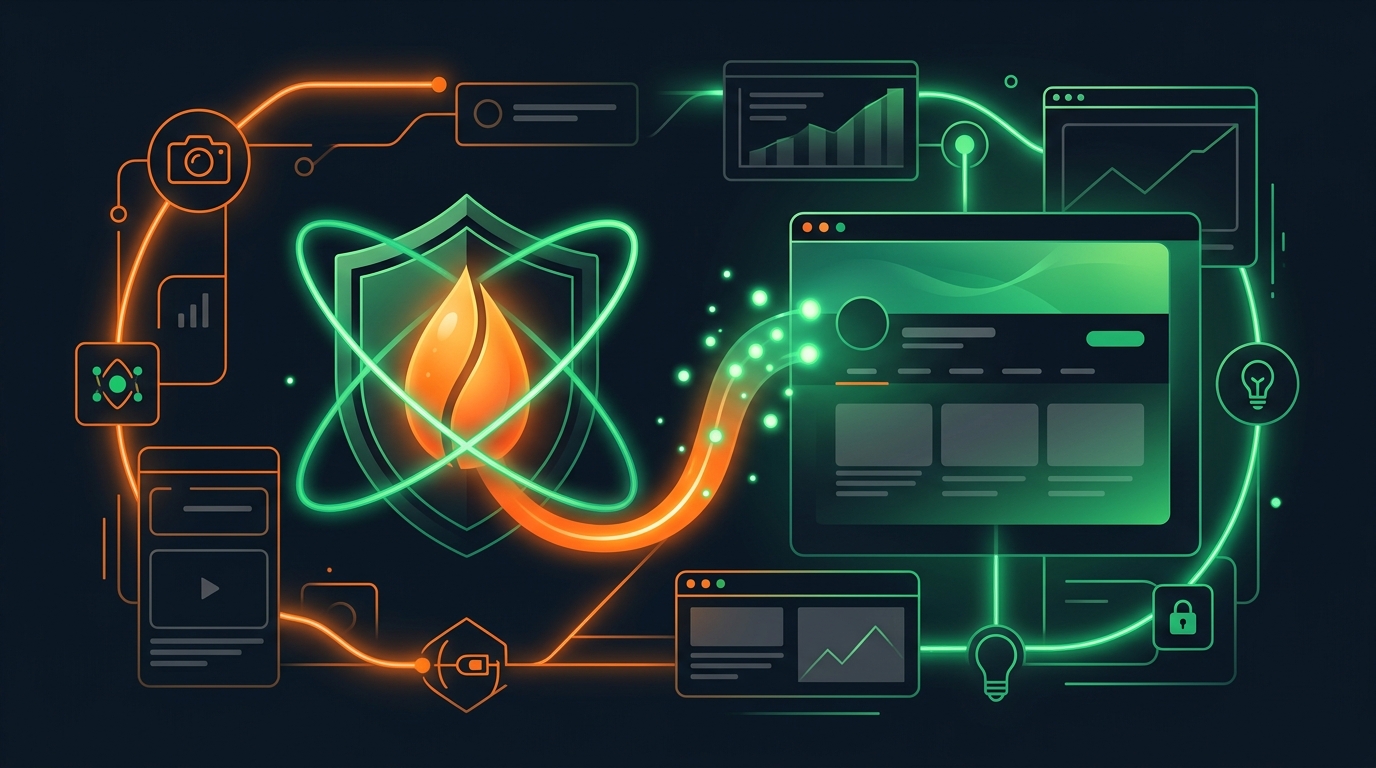
Is VidSeeds.ai Safe for Your YouTube Channel? What Stays Yours
How VidSeeds.ai protects your YouTube channel with Google OAuth, encrypted tokens, Client-First local media intake, signed R2 delivery, and manual approval.
Review your finished cut before upload with timestamped findings, NLE markers, and a YouTube launch package.
Every creator who has ever connected a third-party app to their YouTube channel has felt the exact same hesitation right before clicking Allow: Am I handing over the keys to something I spent years building?
Keep that instinct. Your channel is your catalog, your income stream, and your reputation with viewers who trust your name. When software asks for channel permissions or access to an unreleased video export, "trust us" is worthless. Only concrete engineering boundaries count.
As a creator running my own channel here in Aurora, Colorado alongside building VidSeeds.ai, I designed our security posture around the exact rules I demand for my own account. Below is the plain-English breakdown of how authentication, unreleased video files, stored assets, publishing gates, and Author Voice DNA work inside VidSeeds.ai, plus how to cut off access in five seconds whenever you want. You can also inspect our live technical commitments anytime on our Security page.
Scoped Google OAuth Instead of Shared Passwords
VidSeeds.ai never asks for your Google or YouTube password. We never see it, log it, or hold it.
Channel connection runs strictly through Google's official OAuth 2.0 flow on accounts.google.com. You sign in on Google's own domain, review the exact channel scopes requested, and grant a revocable token scoped only to authorized YouTube data and upload/update operations you trigger.
| Security Dimension | Risky Legacy Credential Sharing | Official OAuth 2.0 in VidSeeds.ai |
|---|---|---|
| Login secret | Third party sees or stores account credentials | Google authenticates you directly; VidSeeds.ai receives only a scoped token |
| Token storage | Plaintext session cookies or broad team access | OAuth tokens encrypted at rest; refreshed only inside active user actions you initiate |
| Permission boundary | Full Google account exposure (Gmail, Drive, Docs) | Strictly scoped to the YouTube channel permissions you explicitly approve |
| Instant kill switch | Requires password resets across every device | One-click removal in Google Account -> Security -> Third-party apps & services |
Notice the refresh detail in row two: we do not run silent background cron daemons poking your OAuth tokens at 3:00 a.m. Token refresh occurs only inside an action you asked for, and revoking VidSeeds.ai from your Google Account security settings cuts off every permission immediately without emailing support.
Client-First Media Intake and Owner-Checked Signed Storage
Pre-upload analysis introduces a second trust question: What happens to my unreleased 12 GB master video file when I run a pre-upload review?
First, our Client-First browser architecture minimizes how much raw media has to cross the network in the first place. When you select a large multi-GB export on your computer for Pre-Upload Diagnosis, your browser extracts a compact evidence packet locally on your own hardware: the compressed audio stream for speech analysis plus representative keyframes across the cut. Instead of shipping a massive studio master file across the internet just to evaluate your hook, chapters, and title options, only the lightweight analysis packet needs to travel for multimodal processing. (For shorter cuts within the direct upload envelope, or when you explicitly stage a video file for cloud clipping or publishing, media transfers over TLS to private storage.)
Second, whenever thumbnails, extracted clips, or project media are stored in cloud object storage, they sit in private Cloudflare R2 buckets behind owner-checked signed URLs. There are no public guessable bucket folders where strangers can enumerate unreleased thumbnails or drafts. Every media read verifies workspace ownership before issuing a short-lived signed delivery link.
Third, your footage and analytics never train foundation AI models. Your transcripts, extracted frames, retention curves, and draft edits are used solely to deliver results inside your account and sharpen your private channel profile. We never sell creator data to advertisers, data brokers, or model vendors. For the step-by-step look at how local file inspection works on upload day, read How to Analyze Your Video Before You Upload It.
Zero Autonomous Publishing and Zero Nag Pressure
The nightmare scenario most creators picture is an "automated AI agent" waking up overnight, rewriting twenty back-catalog titles into clickbait, or pushing a half-baked clip to a live feed unannounced.
VidSeeds.ai enforces a hard human confirmation gate across the web app, the trainable channel agent, and our MCP server:
- Every output starts as a draft. Whether you run single-video packaging or re-optimize existing YouTube videos, every title, description, chapter list, caption file, thumbnail, and supporting post sits in a review state first.
- You inspect the exact diff before applying. You read the exact characters, check mobile truncation in Feed Simulator, edit any word you dislike, and confirm the publish or metadata update yourself.
- Publishing through VidSeeds.ai is completely optional. Plenty of creators run pre-upload diagnosis, copy the approved title and chapters, download the thumbnail and SRT file, and upload manually inside YouTube Studio without ever granting publish scopes. We never pressure you to connect more platforms or auto-publish.
Compliance With YouTube Terms and Protection of Your Voice
Channel safety goes beyond hackers; it also means protecting your standing with YouTube's spam and artificial-engagement policies, and protecting your reputation with human subscribers.
| Creator Concern | How VidSeeds.ai Enforces Safety |
|---|---|
| "Will this trigger YouTube spam or bot strikes?" | Zero bought views, zero fake engagement pods, zero comment bots, and zero keyword-stuffed tag walls. Every metadata update uses official YouTube Data API endpoints at safe, user-confirmed rates. |
| "Will AI flatten my channel into robotic slop?" | Author Voice DNA studies your real published phrasing and rejected edits first, so titles and descriptions preserve your humor, vocabulary, and rhythm instead of sounding templated. |
| "Will this alter or clone my voice?" | Never. Localization translates written titles, descriptions, chapters, and SRT/VTT captions across 85 languages without voice cloning, synthetic dubbing, or lip-sync alterations. |
| "What if I use an external AI client via MCP?" | MCP connections authenticate through scoped OAuth 2.1 tokens tied to your account, obey your workspace boundaries, and keep the exact same review-before-publish gate. |
Real safety means control stays with the person whose name is on the channel banner. You keep your credentials, your original media, your voice, and the final yes on every single change.
Frequently Asked Questions
Does VidSeeds.ai ever see or store my Google password?
No. Authentication runs strictly through Google's official OAuth 2.0 flow on Google's own sign-in screen. VidSeeds.ai receives only a scoped permission token encrypted at rest, which you can revoke in one click from your Google Account settings at any time.
Can VidSeeds.ai change titles or publish videos on my channel without asking?
No. Nothing on VidSeeds.ai publishes or updates live YouTube metadata autonomously. Every title, description, thumbnail, caption file, and social post remains an editable proposal until you explicitly review and confirm the action.
Do I have to upload a massive 4K raw video file to get a pre-upload review?
No. For multi-GB exports, VidSeeds.ai uses Client-First browser extraction to pull the audio track and representative keyframes locally on your machine, sending only a compact analysis packet over encrypted connections rather than transferring your multi-gigabyte studio master.
Does VidSeeds.ai train AI models on my unreleased videos or YouTube Analytics?
Never. Your video content, extracted frames, transcripts, and connected channel metrics are isolated to your account to generate your drafts and power your private Author Voice DNA. They are never sold or used to train third-party AI models.
Want to test pre-upload diagnosis first-hand before connecting any publish permissions? Run a pre-upload review on VidSeeds.ai using a local video export and watch every single suggestion wait for your approval. Eligible new accounts can receive 100 free seeds. No credit card is required.
Andrei Kiparuk
Aurora, ColoradoFounder of VidSeeds.ai and YouTube creator in Aurora, Colorado
We built VidSeeds.ai in Aurora, Colorado after diagnosing real YouTube uploads and watching strong cuts stall behind unclear openings, generic titles, and untested thumbnails. Every guide here comes from the pre-upload review, retention analysis, and packaging workflows we run ourselves.
About the foundersPre-Upload Review & Producer Workbench
Run a Pre-Upload Review on your next YouTube video
Catch weak openings before upload, hand off NLE markers (.xml, .csv, .edl, .fcpxml, .txt) or /p/[reportId] share links, finalize packaging in Producer Workbench, and monitor 3, 12, 24, and 48 hours plus 7 days and 28 days with a saved 24h backup title.
- Timestamped cut findings with NLE marker export (.xml, .csv, .edl, .fcpxml, .txt) and /p/[reportId] editor share links
- Aligned YouTube title, description, tags, chapters, captions, and thumbnail direction in Producer Workbench
- First-72-Hours checkpoints at 3, 12, 24, and 48 hours plus 7 days and 28 days, with a 24h saved backup-title swap
Eligible new accounts can receive 100 free seeds. No credit card is required.
Related guides
What Is AI Video Packaging? SEO, GEO, and Launch Workflows Explained
AI video packaging starts after your edit finishes: pre-upload YouTube diagnosis, SEO and GEO metadata in your voice, First-72-Hours checks, and 6 platforms.
YouTube Algorithm Changes in 2026: What Shifted and What to Do
How YouTube ranks videos in 2026 using spoken meaning, early hook satisfaction, session watch time, and AI search citations, plus what to fix before upload.
YouTube SEO in 2026: The Complete Guide to Ranking and Organic Growth
The 2026 YouTube SEO field guide by Andrei Kiparuk: how Search, Suggested, Browse, and AI answers evaluate your video, metadata, thumbnails, and first 72h.