

What Is AI Video Packaging? SEO, GEO, and Launch Workflows Explained
AI video packaging starts after your edit finishes: pre-upload YouTube diagnosis, SEO and GEO metadata in your voice, First-72-Hours checks, and 6 platforms.
Review your finished cut before upload with timestamped findings, NLE markers, and a YouTube launch package.
People searching for "AI video publishing" usually run into a wall of confusing product pages. Half the results pitch text-to-video avatar generators. Another quarter pitch browser-based timeline editors. Almost none of them address the actual bottleneck that hits a working creator or media team the minute an edit locks: turning a finished MP4 or MOV file into a coherent, honest YouTube launch and supporting distribution package without spending three hours rewriting fields by hand.
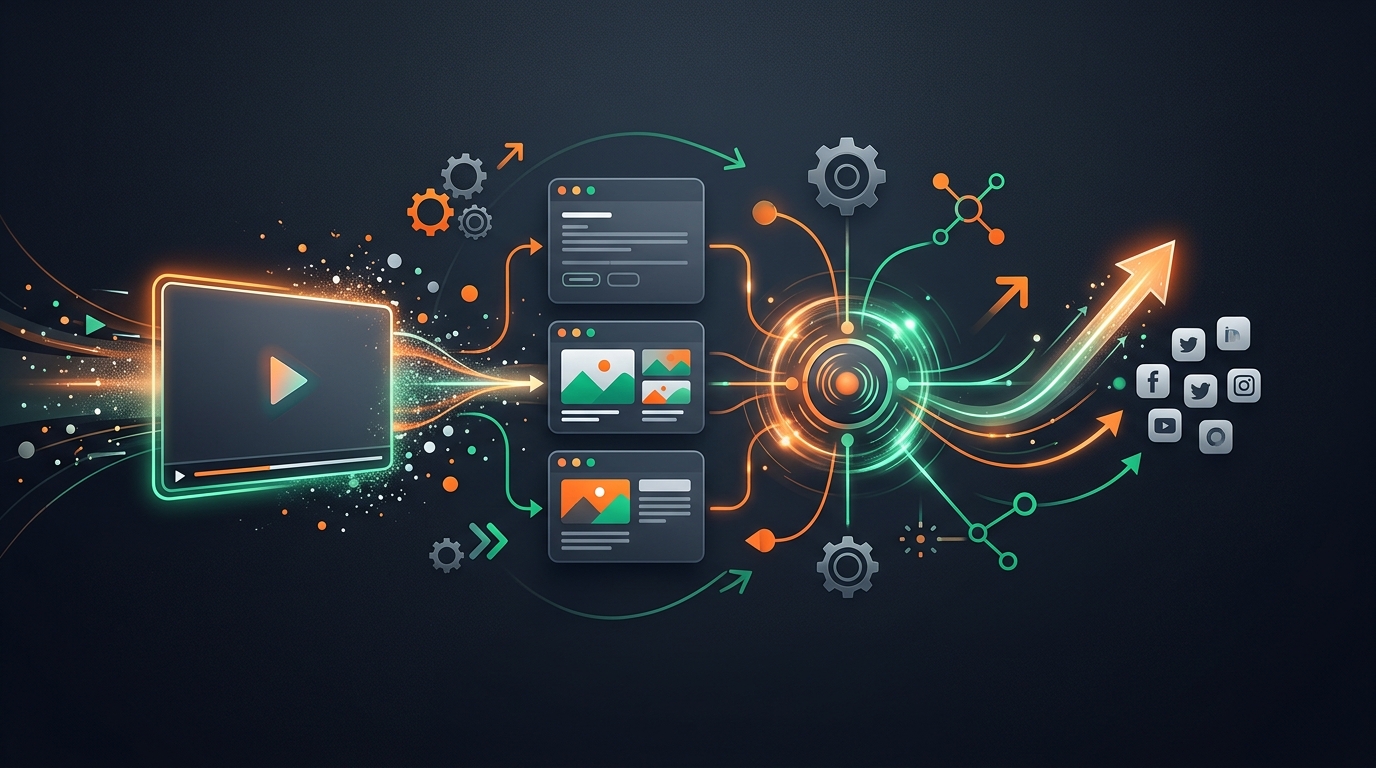
That post-edit discipline is AI video packaging: inspecting a finished video's real speech, visual frames, and pacing before upload, drafting SEO and Generative Engine Optimization (GEO) metadata grounded in your channel's voice, verifying mobile feed legibility, monitoring the First-72-Hours launch window, and optionally adapting the approved package across supporting social feeds and languages.
When Volha and I started building VidSeeds.ai out of Aurora, Colorado, we drew hard boundaries around this exact layer because blurring creation, editing, and packaging makes every tool worse at its job.
Drawing the Boundary: Generation vs Editing vs Packaging
Before diving into how a launch package works, separate the three stages of a video stack so you know which tool owns which file:
| Stage | Core Action | Representative Tools | Does It Alter Your Master Video or Voice? |
|---|---|---|---|
| Video generation | Synthesizes new clips or avatar presenters from text scripts or prompts | Synthesia, Runway, Pictory | Yes: creates synthetic media from scratch |
| Video editing (NLE) | Cuts raw camera rolls, mixes audio, grades color, and exports the master cut | Premiere Pro, Final Cut Pro, DaVinci Resolve, CapCut, Descript | Yes: assembles and trims the timeline |
| Video packaging & launch review | Inspects the finished cut, diagnoses hook/promise alignment, builds YouTube SEO + GEO assets, tracks First-72-Hours, and adapts supporting posts | VidSeeds.ai | Never: works strictly around your finished video; zero voice dubbing or footage synthesis |
A sharp edit in DaVinci Resolve does not write a mobile-safe 40-character title or 0:00 search chapters on its own. Conversely, the strongest metadata package on earth cannot fix a four-minute ramble in the middle of a weak edit. Keeping editing and packaging distinct lets your NLE focus on craft while your packaging layer focuses on discovery and viewer expectations. We break down why timing that inspection before upload changes your initial cohort test in Pre-Upload Video SEO vs Traditional YouTube SEO.
Why Packaging Now Covers Both YouTube SEO and GEO
Five years ago, video metadata meant matching a typed search phrase on YouTube and hoping Suggested picked up the rest. In 2026, discovery splits across two distinct retrieval engines that inspect your upload differently:
- YouTube's multimodal satisfaction engine (SEO + Browse/Suggested): YouTube aligns your spoken words, visual scenes, title, and thumbnail against viewer behavior. If your title and thumbnail earn clicks and your opening 30 seconds keep viewers watching into a longer session, Browse and Suggested expand distribution.
- AI answer engines and search overviews (GEO): Google AI Overviews, ChatGPT, Perplexity, and Claude increasingly answer "how do I..." and "which setup should I..." queries by citing specific YouTube videos and jumping directly to timecoded segments.
Generic prompt-box copywriters fail both engines because they guess from a one-line topic prompt instead of inspecting what happens inside the video. Look at how each field inside an evidence-grounded launch package serves both human viewers and retrieval systems:
| Package Asset | Job for Human Viewers & YouTube Feeds | Job for Search Indexing & AI Answer Citation (GEO) |
|---|---|---|
| Primary + 24h backup title | Front-loads the core topic inside ~40 characters for mobile legibility and makes one honest promise | Maps the video directly to explicit how-to, comparison, or problem queries |
| Opening 150 description characters | Shows above "Show more" on watch pages and desktop search snippets to confirm the click | Provides a clean, declarative two-sentence summary that answer engines quote verbatim |
Timecoded 0:00 chapters | Lets viewers scrub straight to the exact proof or step they care about instead of bouncing | Exposes structured segment boundaries so Google and AI assistants link directly to 04:15 |
| Uploaded SRT/VTT captions | Serves viewers watching on mute in public or hard-of-hearing audiences without ASR typos | Supplies clean, punctuated spoken terminology (product names, numbers, specs) for semantic indexing |
| Frame-grounded thumbnail | Earns visual pause at 320x180 phone scale with one focal subject and 2–4 bold words | Reinforces visual honesty so clickers do not bounce in the first 15 seconds |
Inside a Complete YouTube-First Launch Workflow
When creators run Pre-Upload Diagnosis and Launch Review inside VidSeeds.ai, the workflow moves in five deliberate steps rather than dumping a wall of unedited AI text onto your screen.
1. Tiered Multimodal Inspection of the Finished Cut
You drop in your exported video file. If it is a shorter cut within the direct upload envelope, VidSeeds.ai inspects the video and audio stream directly. If you exported a multi-GB 4K master, our Client-First browser intake extracts the full audio track and representative keyframes locally on your computer so analysis starts fast without uploading a massive studio file. The system maps your spoken hook, visual transitions, proof moments, and pacing sags by exact timecode.
2. Hook-to-Promise Alignment and Author Voice DNA
Before polishing adjectives, the diagnosis checks whether what you say and show between 0:00 and 0:30 delivers what your candidate title promises. Every draft title, description, and chapter label is then shaped by your Author Voice DNA, learned from your connected channel's real history and your past edits, so your channel sounds like a human creator rather than a marketing agency template.
3. Thumbnail Studio and Feed Simulator Check
Instead of inventing disconnected prompt art, Thumbnail Studio scores real frames from your footage for expression, contrast, and composition room, applies your Channel Visual Identity, and renders concise 2–4 word text inside the image. You then inspect the title-and-thumbnail pair inside Feed Simulator at mobile and desktop sizes alongside real niche neighbors, preparing strong candidates to test in YouTube's native Test & Compare after publish.
4. First-72-Hours Checkpoints After Publish
Publishing is the halfway mark, not the finish line. Producer Workbench watches your live upload across structured First-72-Hours checkpoints at 3, 12, 24, and 48 hours, followed by 7 days and 28 days, comparing click-through rate and retention against your channel's usual range rather than generic internet averages. If impressions arrive at 24 hours with healthy retention while clicks lag your usual range, your pre-written 24-hour backup title is sitting ready for a controlled swap instead of a rushed rewrite.
5. Supporting 6-Platform Adaptation and 85-Language Localization
Only after your YouTube truth is locked do you branch outward. From that approved foundation, VidSeeds.ai can localize written metadata and SRT/VTT caption files across 85 languages (never dubbing or cloning your spoken audio) and adapt native posts plus extracted vertical Auto-Clips across 6 platforms: YouTube, TikTok, Instagram, Facebook, LinkedIn, and X. For the practical multi-network playbook, read how to adapt one finished video across multiple platforms without rewriting everything. Every single field across every platform stays gated behind your explicit human approval.
Five Questions to Audit Any Packaging Workflow
Whether you build launch packages manually in a notes doc or run them through VidSeeds.ai, hold every upload to five checks before clicking Publish:
- Did the person or tool writing the metadata inspect the actual cut? Guessing from an old script misses ad-libbed hooks and trimmed sections.
- Does the first 30 seconds pay off the title immediately? If your opening minute stalls on housekeeping, either trim the intro or soften the title claim.
- Does the first 150 characters of the description state the answer plainly? Never waste above-the-fold lines on social link dumps.
- Did you check mobile legibility before upload and save ONE backup title? Preparing your 24-hour contingency while calm prevents panic edits later.
- Are supporting social posts rewritten for each feed's culture? Pasting YouTube chapter lists into LinkedIn or X signals lazy cross-posting immediately.
Frequently Asked Questions
Is AI video packaging the same thing as AI video generation?
No. AI video generators create synthetic footage or talking avatars when you have no video yet. AI video packaging starts only after you have filmed and edited a real video, inspecting the finished cut to build honest titles, descriptions, chapters, captions, thumbnails, and supporting social adaptations.
What is the difference between YouTube SEO and GEO for video creators?
YouTube SEO focuses on helping viewers discover and choose your video inside YouTube Search, Browse, and Suggested feeds through aligned titles, thumbnails, and watch-time satisfaction. Generative Engine Optimization (GEO) structures your spoken answers, opening 150 description characters, 0:00 chapters, and clean caption files so AI search engines like Google AI Overviews, Perplexity, and ChatGPT accurately cite and link to your video.
Does VidSeeds.ai auto-publish packages to YouTube or social accounts without review?
Never. Every title, backup title, description, chapter block, caption file, thumbnail, and supporting post sits in an editable review view first. Nothing publishes or updates a live video without your explicit confirmation, and connecting social publish permissions is completely optional.
Does 85-language packaging change or dub the audio track of my video?
No. Localization in VidSeeds.ai covers written titles, descriptions, chapters, tags, and time-synced SRT/VTT subtitle files across 85 languages. Your original recorded voice and audio mix are never dubbed, cloned, or altered.
Bring one finished video export and see how an evidence-grounded launch package compares to blank-box metadata writing. Run a pre-upload review on VidSeeds.ai to verify your opening hook, build SEO and GEO metadata in your voice, and preview your thumbnail in Feed Simulator. Eligible new accounts can receive 100 free seeds. No credit card is required.
Andrei Kiparuk
Aurora, ColoradoFounder of VidSeeds.ai and YouTube creator in Aurora, Colorado
We built VidSeeds.ai in Aurora, Colorado after diagnosing real YouTube uploads and watching strong cuts stall behind unclear openings, generic titles, and untested thumbnails. Every guide here comes from the pre-upload review, retention analysis, and packaging workflows we run ourselves.
About the foundersPre-Upload Review & Producer Workbench
Run a Pre-Upload Review on your next YouTube video
Catch weak openings before upload, hand off NLE markers (.xml, .csv, .edl, .fcpxml, .txt) or /p/[reportId] share links, finalize packaging in Producer Workbench, and monitor 3, 12, 24, and 48 hours plus 7 days and 28 days with a saved 24h backup title.
- Timestamped cut findings with NLE marker export (.xml, .csv, .edl, .fcpxml, .txt) and /p/[reportId] editor share links
- Aligned YouTube title, description, tags, chapters, captions, and thumbnail direction in Producer Workbench
- First-72-Hours checkpoints at 3, 12, 24, and 48 hours plus 7 days and 28 days, with a 24h saved backup-title swap
Eligible new accounts can receive 100 free seeds. No credit card is required.
Related guides

Why We Built VidSeeds.ai: Pre-Upload Video Packaging for Creators
Why Volha and I built VidSeeds.ai to inspect finished videos before upload, draft honest YouTube packaging in your voice, and protect creator ownership.

Welcome to the VidSeeds.ai Blog: Practical Notes From Working Channels
Practical YouTube growth notes from Andrei Kiparuk on pre-upload video diagnosis, titles, thumbnails, retention curves, and building a lasting channel.

Is VidSeeds.ai Safe for Your YouTube Channel? What Stays Yours
How VidSeeds.ai protects your YouTube channel with Google OAuth, encrypted tokens, Client-First local media intake, signed R2 delivery, and manual approval.