

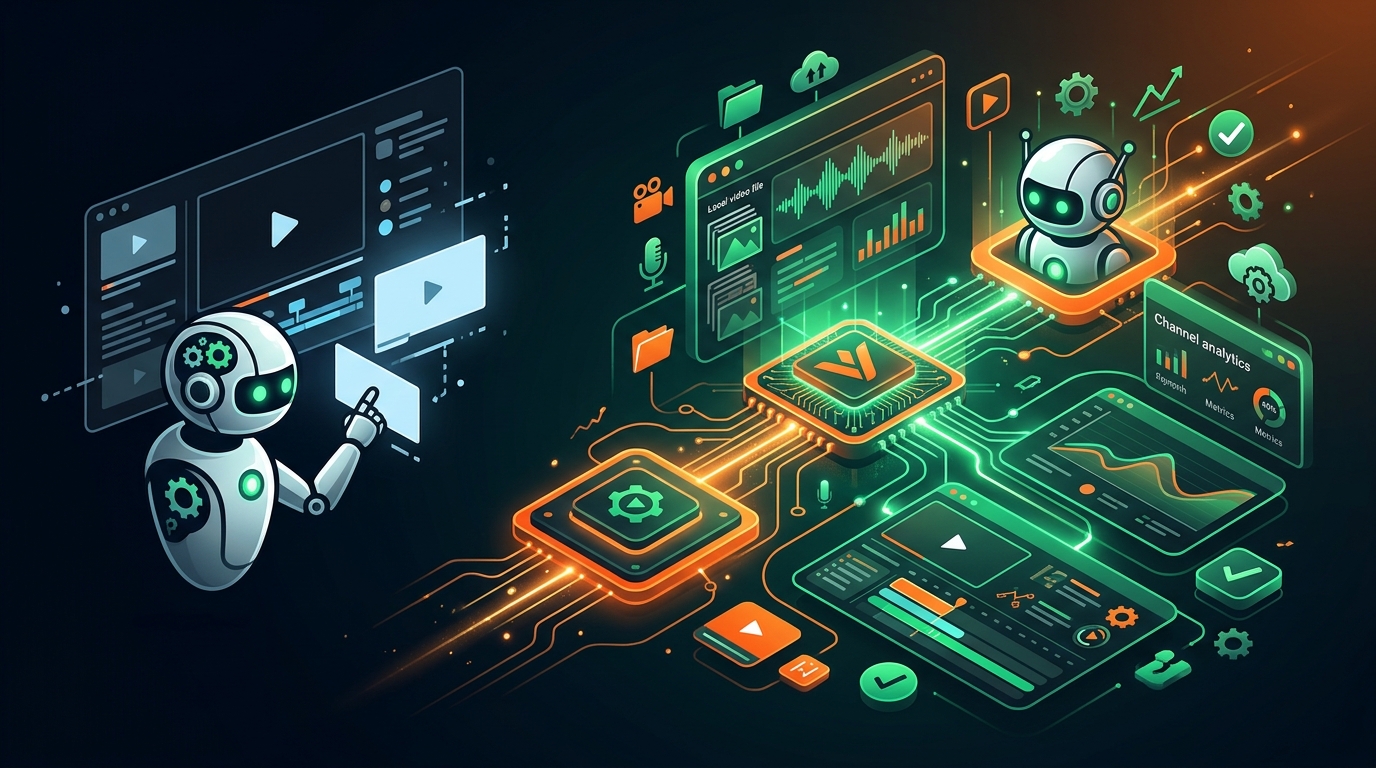
Why AI Agents Need VidSeeds.ai MCP Tools Instead of Plain Chat
Plain AI chat guesses from pasted text. See what changes when your agent connects to 128 VidSeeds.ai MCP tools with video evidence, Voice DNA, and analytics.
Connect 128 remote MCP tools in Claude, ChatGPT, Cursor, or Gemini CLI, or work inside Ask VidSeeds.ai.
Paste a rough transcript into a plain chat window and ask for five YouTube titles. Within three seconds, any modern language model hands back five grammatically clean headlines. On the surface, that feels productive. Then you look closer: headline two promises a dramatic reveal that never happens on screen, headline four uses hype words your subscribers hate, none of the chapter timestamps match your actual edit cuts, and you still have to manually design thumbnails, check retention baselines, and copy fields into YouTube Studio.
A plain chat session fails at production YouTube work because it lacks media eyes, channel memory, and real execution tools. Connecting Claude, ChatGPT, Cursor, Gemini CLI, VS Code, or Windsurf to the VidSeeds.ai Remote MCP Server wires 128 production tools directly into your assistant so it works from actual video evidence, persistent Author Voice DNA, and live YouTube Analytics instead of guessing from a text summary.
Plain chat session vs. MCP-connected agent: what actually changes
When creators ask why they cannot simply paste transcripts into ChatGPT or Claude, I show them the five structural blind spots of a disconnected chat tab:
| Workflow Dimension | Disconnected Plain Chat | AI Client Connected to VidSeeds.ai MCP (128 Tools) |
|---|---|---|
| Source Media Understanding | Blind to visual scenes, camera motion, dead air, and large local master files | Runs local media probe, frame extraction, and chunked audio recipes or direct watch on real footage |
| Creator Voice Consistency | Resets every thread; defaults to generic AI listicle clichés and banned punctuation | Reads persistent account-level Author Voice DNA plus explicit keep/avoid phrasing rules |
| Channel Performance Evidence | Only knows numbers you manually screenshot or type into the prompt | Queries connected YouTube Analytics, runs Video Autopsy (/why), and applies Blueprint Carry |
| Visual & Timeline Deliverables | Outputs text descriptions of thumbnails and guessed timestamps | Generates real frame-backed covers, .xml/.csv/.edl/.fcpxml/.txt NLE markers, and /p/[reportId] links |
| Platform Execution & Safety | Leaves you copy-pasting fields across browser tabs at midnight | Stages full YouTube packages, 85-language metadata, and supporting posts behind an approval gate |
Five real creator jobs an MCP agent finishes in one thread
Once your client connects to https://vidseeds.ai/api/mcp (setup takes two minutes via OAuth 2.1 or a Personal Access Token, covered step by step in our MCP Server setup guide), prompts that used to be wishful thinking turn into single-session workflows.
1. Review a multi-gigabyte local cut before uploading to YouTube
Suppose you just exported a 42-minute, 28 GB 4K edit onto your drive at ~/Videos/san-juan-loop-v2.mov. Uploading 28 GB into a chat attachment slot is impossible. Through VidSeeds.ai MCP local-media recipes, your CLI or desktop agent probes the container locally with ffmpeg, extracts representative keyframes and chunked audio across the full runtime, and submits that compact evidence packet for multimodal review.
Minutes later, inside the same thread, you receive timestamped pacing findings (00:00 to 00:34 stalls before showing the pass, 18:10 to 19:05 repeats route directions), downloadable Premiere Pro .xml or DaVinci Resolve .edl timeline markers, and an expiring /p/[reportId] editor handoff link requiring zero login from your cutter.
2. Run a post-publish Video Autopsy (/why) and carry lessons forward
Instead of asking a chatbot "why did my latest video flop?" in a vacuum, you ask your connected agent to inspect last Thursday's upload by video ID. The agent calls the Video Autopsy toolset, joining YouTube Analytics measured retention drops and rewatch spikes directly against your timestamped transcript and visual frames while keeping viewer-intent explanations clearly labeled as inference. When you confirm the root lesson (for example, cutting unscripted gear tangents in the first three minutes), Blueprint Carry stores that rule so your next pre-upload review checks for it automatically.
3. Audit and re-optimize mislabeled back-catalog sleepers
Every established channel has older videos holding healthy average percentage viewed behind a cryptic title like Colorado Trip Part 4. Through MCP, your agent pulls channel analytics via Channel Investigation and Opportunity Finder, isolates uploads where retention beats your median while CTR lags, reads each video's real transcript, and stages fresh title and description diffs in your Author Voice DNA inside the Producer Workbench. You inspect the side-by-side changes and approve only the updates you want patched onto YouTube. Read what happened when I ran that process on my own archive in re-optimizing 300 old YouTube videos.
4. Extract vertical clips and localize metadata across 85 languages
From an approved YouTube project, you can ask your agent to isolate the three strongest 35-to-55-second standalone moments via Auto-Clips and Precision Trim, prepare native post packages for TikTok, Instagram, Facebook, LinkedIn, and X across 6 platforms, and localize YouTube titles, descriptions, chapters, tags, and SRT/VTT captions into Spanish, German, Japanese, or any of the 85 languages supported (strictly text and captions, never dubbing or cloning your voice).
5. Recommend retention-safe mid-roll ad timestamps
For monetized videos over eight minutes, your agent calls the Mid-Roll Ads analysis tools to cross-reference natural topic transitions and post-peak pauses against your channel's historical viewer tolerance, returning exact second-level timestamps ready for YouTube Studio instead of blunt "every 8 minutes" guesses.
Guardrails and honest limits you can rely on
Giving an AI agent real tools only works when the boundaries stay strict:
- Nothing goes public silently: Staging a project, generating covers, and running preflight readiness checks happen freely on request, whereas any live publish or YouTube metadata write pauses for your explicit confirmation.
- No synthetic video generation or silent source editing: VidSeeds.ai works strictly on finished videos you filmed. Trim plans and NLE markers leave your master file untouched until you apply them in your editor or approved clip workflow.
- Clear metering and connector access: The remote MCP connector includes a 7-day trial starting on your first successful connection, followed by an active paid plan. Read-only calls spend zero Seeds, paid AI runs meter identically to the web app, and failed runs charge nothing.
If you prefer staying inside the browser rather than configuring an external MCP client, the built-in VidSeeds.ai dashboard agent chat (/agent) runs on the exact same shared services and workspace state.
Want your AI assistant to work from your real footage, Author Voice DNA, and YouTube Analytics instead of guessing in a blank chat box? Connect your assistant in MCP Settings. Eligible new accounts can receive 100 free seeds. No credit card is required.
Frequently Asked Questions
How is VidSeeds.ai MCP different from pasting a YouTube transcript into Claude or ChatGPT?
A pasted transcript strips out visual frames, on-screen demonstrations, silence gaps, your trained Author Voice DNA, and your live YouTube Analytics retention curves. Connected via MCP, your assistant calls 128 specialized tools that inspect real media evidence, generate actual thumbnails and NLE marker files, and stage reviewable packages in your workspace.
Do I need to upload a 50 GB ProRes master to use MCP pre-upload review?
No. When running in local-capable clients such as Claude Code, Cursor, Gemini CLI, VS Code, or Windsurf with ffmpeg installed, VidSeeds.ai local-media recipes extract compact audio chunks and representative keyframes on your computer and send only that lightweight evidence packet for multimodal analysis.
What if I want an AI workflow without setting up Cursor or Claude Desktop?
Open the built-in agent chat inside the VidSeeds.ai web dashboard (/signup?returnTo=%2Fagent), or use the visual Producer Workbench directly. Web, dashboard agent chat, and Remote MCP all share the exact same underlying services, Author Voice DNA, and Seeds balance.
How many remote tools are included in the VidSeeds.ai MCP Server?
The remote endpoint (https://vidseeds.ai/api/mcp) exposes 128 tools covering pre-upload video diagnosis, NLE handoff markers, YouTube launch packaging, Thumbnail Studio, Channel Investigation, Opportunity Finder, Video Autopsy (/why), Auto-Clips, Mid-Roll Ads, 85-language metadata/caption localization, and multi-platform adaptation.
Andrei Kiparuk
Aurora, ColoradoFounder of VidSeeds.ai and YouTube creator in Aurora, Colorado
We built VidSeeds.ai in Aurora, Colorado after diagnosing real YouTube uploads and watching strong cuts stall behind unclear openings, generic titles, and untested thumbnails. Every guide here comes from the pre-upload review, retention analysis, and packaging workflows we run ourselves.
About the foundersRemote MCP Server & Agent Chat
Connect 128 VidSeeds.ai MCP tools to Claude, ChatGPT, Cursor, or Gemini CLI
Start a 7-day MCP trial in Settings or open Ask VidSeeds.ai (/agent) to inspect videos, audit channel data, and draft reviewable YouTube packages from chat.
- 128 remote MCP tools for Claude, ChatGPT, Cursor, and Gemini CLI
- 7-day MCP trial plus token-scoped connection controls in Settings
- Full functional parity with the built-in Ask VidSeeds.ai workspace (/agent)
Eligible new accounts can receive 100 free seeds. No credit card is required.
Related guides
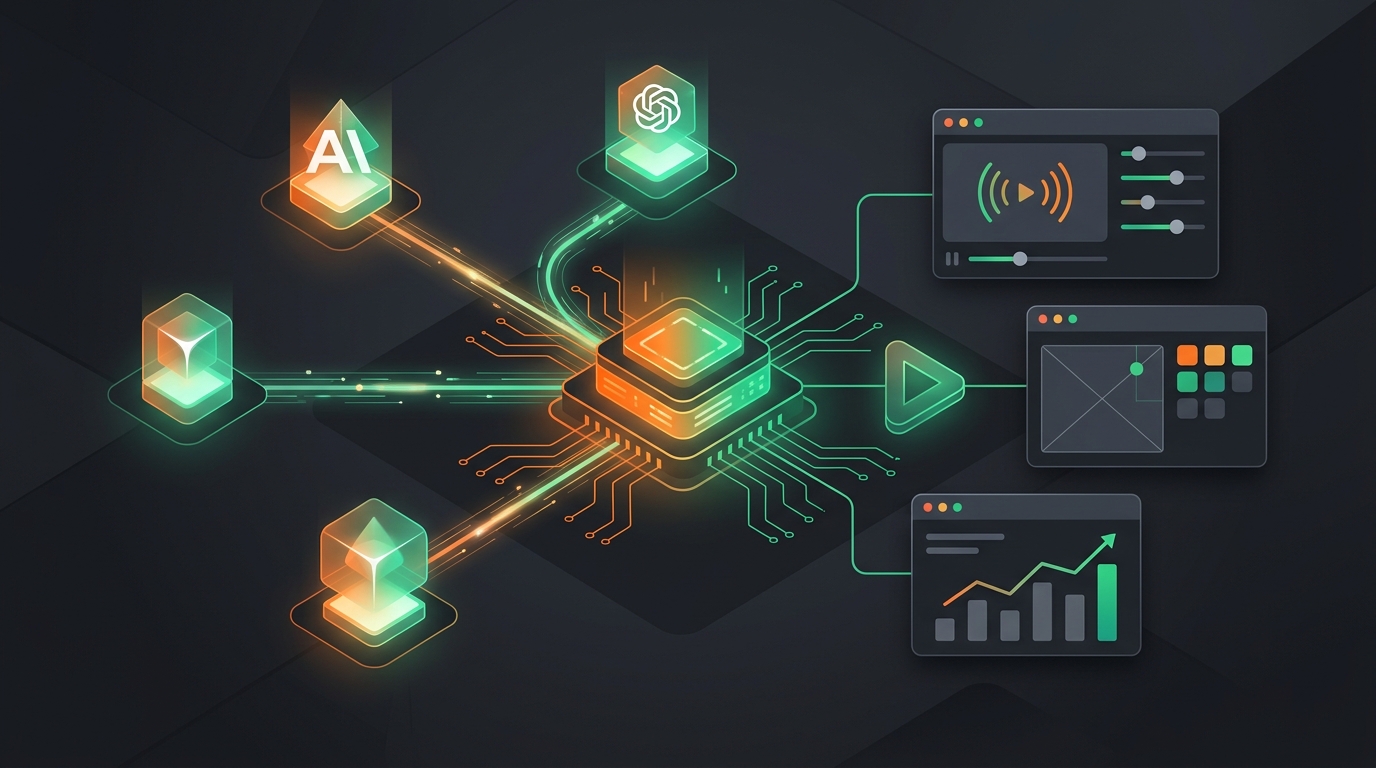
Connect Claude, ChatGPT, and Cursor to VidSeeds.ai via Remote MCP
Connect Claude, ChatGPT, Cursor, Gemini CLI, VS Code, or Windsurf to the VidSeeds.ai Remote MCP Server to run 128 YouTube growth and packaging tools in chat.
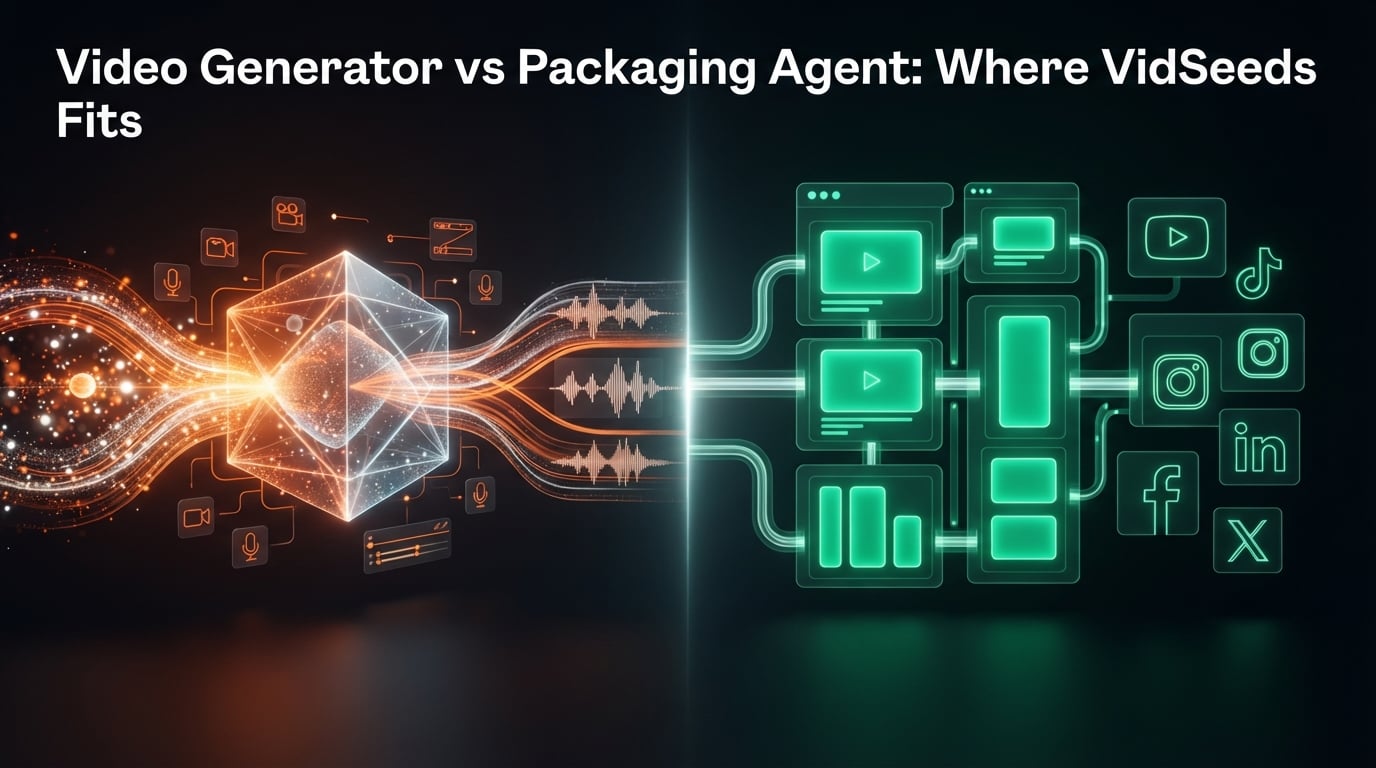
Video Generator vs Packaging Agent: Where VidSeeds.ai Fits
AI video generators create footage from text. VidSeeds.ai packages finished videos for YouTube growth first, with optional clips, captions, and 6 platforms.

VidSeeds.ai 3.0: Inside Our Trainable Video Content Agent
How VidSeeds.ai learns your Author Voice DNA, connects Video Autopsy retention lessons through Blueprint Carry, and exposes 128 tools via our MCP server.