


VidSeeds.ai 3.0: Inside Our Trainable Video Content Agent
How VidSeeds.ai learns your Author Voice DNA, connects Video Autopsy retention lessons through Blueprint Carry, and exposes 128 tools via our MCP server.
Connect 128 remote MCP tools in Claude, ChatGPT, Cursor, or Gemini CLI, or work inside Ask VidSeeds.ai.
So here is the problem with almost every AI tool built for creators: upload #100 feels identical to upload #1. You paste a topic into a box, the tool hands back five generic titles full of overcaffeinated adjectives, you rewrite four of them by hand, and next Tuesday the tool has forgotten every single edit you made. That is a stateless text box, not an agent.
When we shipped the VidSeeds.ai 3.0 architecture, we built around a different contract. An agent helping you run a YouTube channel should inspect the actual video you finished editing, write in your phrasing rather than generic internet copy, remember which structural choices held or lost viewers on your past uploads, and tell you what needs attention when you sign in.
Three Memory Systems That Make the Agent Trainable
"Trainable" gets tossed around loosely in software marketing, so let me show you the exact three mechanisms that store and apply your channel context inside VidSeeds.ai Video Intelligence. Note upfront that we never train foundation AI models on your private footage or share your data across accounts; every piece of memory below belongs strictly to your workspace and your connected channel.
| Channel Memory Layer | Evidence It Stores | Where You Feel It in Daily Work |
|---|---|---|
| Author Voice DNA | Your published channel titles and descriptions, sentence cadence, vocabulary preferences, banned cliches, and every draft edit you approve or reject | Pre-upload titles, descriptions, chapters, and supporting platform posts arrive sounding like your phrasing instead of a generic template |
| Channel Visual Identity | Your recurring color palette, typography weight, composition spacing, and face/object framing habits across top-performing uploads | Thumbnail Studio builds frame-grounded concepts that look unmistakably like your channel row in Feed Simulator |
| Blueprint Carry (Retention Loop) | Measured drop-off timestamps, rewatch peaks, and hook patterns surfaced in post-publish Video Autopsy across your catalog | Next Video Briefs and pre-upload assessments warn you before upload when a new cut repeats a structural stall that hurt past videos |
Those three layers compound. On day one, connecting your YouTube channel seeds Author Voice DNA from your existing catalog so your very first draft avoids generic filler. By your tenth upload, your manual edits and post-publish retention reads have sharpened both the phrasing and the structural guardrails.
Multi-Modal Evidence Architecture Instead of Single-Prompt Guessing
A packaging agent cannot make sound editorial calls if it only reads a filename or an ASR text dump. Tone of voice, visual reveals, dead air in the cold open, and the facial expression at 4:18 live inside the media itself. At the same time, creators exporting a 14 GB ProRes or high-bitrate 4K master from Aurora or anywhere else on residential upload bandwidth do not want to wait forty minutes just to check a title and opening hook.
VidSeeds.ai handles that reality with a tiered, evidence-first architecture that routes each job to specialized multimodal, voice, and visual lanes:
| Evidence Input or Task | How VidSeeds.ai Processes It | What You Review Before Anything Ships |
|---|---|---|
| Shorter finished cuts (within direct upload envelope) | Direct multimodal video and audio inspection across spoken delivery, scene transitions, on-screen text, and pacing | Timecoded hook alignment check, labelled retention-risk hypotheses, chapters, and primary + 24h backup titles |
| Multi-GB long-form masters | Client-First browser extraction builds a compact audio track + keyframe evidence packet locally on your machine before analysis | Full pre-upload diagnosis, transcript-grounded metadata, and real frame candidates without waiting on a multi-GB raw upload |
| Thumbnail creation | Scores real frames from your cut, applies Channel Visual Identity, and renders readable 2–4 word text directly inside the image | Feed Simulator side-by-side preview at phone and desktop scale, ready to pair with YouTube Test & Compare |
| Post-publish performance | Joins YouTube Analytics retention curves, traffic splits, and comment sentiment with timecoded video moments in Video Autopsy | Ranked causes for underperformance, minimal testable metadata fixes, and Blueprint Carry notes for your next shoot |
| Cross-platform & global reach | Adapts approved YouTube truth into native copy for 6 platforms and localizes metadata + SRT/VTT captions across 85 languages | Editable platform drafts and downloadable caption files with zero voice dubbing or audio alteration |
Repeated passes on the same video reuse cached media evidence, so exploring three new title angles or pulling an extra batch of vertical Auto-Clips does not re-ingest the file from scratch.
From Midnight Chat Box to Producer Workbench
Inside the web app, you can work two ways depending on how your brain operates on upload day.
First, Producer Workbench greets you on login with a prioritized answer to "what should I do right now?" Instead of burying you under fifty analytics charts, it tracks active pre-upload drafts, watches your First-72-Hours post-publish checkpoints (3, 12, 24, and 48 hours, plus 7 days and 28 days) against your channel's usual range, prompts a one-click swap to your saved 24-hour backup title when clicks lag while retention holds, and surfaces your Next Video Brief from Audience Insights.
Second, our trainable channel agent lets you talk through strategy and execution in one thread. Ask it to compare two hook cuts on your latest project, pull a LinkedIn post from the strongest 45-second explanation at 6:12, or audit why your last three tutorials stalled in Suggested traffic. Because the agent shares the exact same workspace context, Author Voice DNA, and channel history as the rest of VidSeeds.ai, its answers cite real timecodes and real channel numbers rather than generic pep talks.
128 Tools Available Inside Your Own AI Client via MCP
If you already spend half your day inside Claude Desktop, Cursor, ChatGPT, or Codex, you do not even have to keep another browser dashboard open to run these workflows. Our hosted MCP server at https://vidseeds.ai/api/mcp exposes 128 tools (124 creator workflow tools plus 4 account and workspace utilities) over standard OAuth 2.1.
Connect once, and your favorite AI client can inspect a local video file, run a pre-upload diagnosis, draft voice-matched YouTube metadata, generate frame-grounded thumbnails, extract Auto-Clips, localize captions into 85 languages, or run Video Autopsy using your exact channel profile and Seeds balance. Every write action still obeys our non-negotiable safety gate: drafts are prepared for review, and nothing touches your live YouTube channel until you explicitly confirm it.
What Never Changes: Your Video, Your Voice, Your Final Say
Building an agent with memory only works if the boundaries stay crystal clear:
- You make the video. VidSeeds.ai never generates synthetic footage or dubs synthetic voices over your audio.
- You own every word that goes live. No background daemon ever rewrites a live title or posts to a social account behind your back.
- Web-first and lightweight. Everything runs cleanly in your browser or through MCP, with zero browser extensions slowing down YouTube Studio.
Frequently Asked Questions
How does Author Voice DNA learn my style if I have a small channel?
When you connect your YouTube channel, VidSeeds.ai reads your existing published titles, descriptions, and spoken transcripts to establish an initial baseline, and you can add plain-English voice rules anytime. Even with a handful of uploads, every edit you approve or reject sharpens the profile for the next video.
Does VidSeeds.ai use my videos or analytics to train public AI models?
No. Your video files, extracted transcripts, keyframes, and YouTube Analytics data are processed strictly to serve your workspace and your channel's private memory layers. They are never sold or used to train public or third-party foundation models.
What can I do through the 128-tool VidSeeds.ai MCP server?
Through https://vidseeds.ai/api/mcp, compatible AI clients like Claude, ChatGPT, and Cursor can run pre-upload video assessments, draft and score titles and descriptions in your voice, build thumbnails from video frames, extract short-form clips, localize metadata across 85 languages, and run post-publish Video Autopsies.
Does the trainable agent replace YouTube Studio or my video editor?
No. You still cut your footage in your NLE of choice and rely on YouTube Studio as the system of record for monetization and Test & Compare experiments. VidSeeds.ai handles the pre-upload diagnosis, voice-true packaging, and post-publish retention correlation that sit around your edit.
Want to see how a trainable channel agent handles your own footage and phrasing? Open the trainable channel agent inside VidSeeds.ai to connect your channel voice, inspect an upcoming upload, or test our MCP workflow. Eligible new accounts can receive 100 free seeds. No credit card is required.
Andrei Kiparuk
Aurora, ColoradoFounder of VidSeeds.ai and YouTube creator in Aurora, Colorado
We built VidSeeds.ai in Aurora, Colorado after diagnosing real YouTube uploads and watching strong cuts stall behind unclear openings, generic titles, and untested thumbnails. Every guide here comes from the pre-upload review, retention analysis, and packaging workflows we run ourselves.
About the foundersRemote MCP Server & Agent Chat
Connect 128 VidSeeds.ai MCP tools to Claude, ChatGPT, Cursor, or Gemini CLI
Start a 7-day MCP trial in Settings or open Ask VidSeeds.ai (/agent) to inspect videos, audit channel data, and draft reviewable YouTube packages from chat.
- 128 remote MCP tools for Claude, ChatGPT, Cursor, and Gemini CLI
- 7-day MCP trial plus token-scoped connection controls in Settings
- Full functional parity with the built-in Ask VidSeeds.ai workspace (/agent)
Eligible new accounts can receive 100 free seeds. No credit card is required.
Related guides
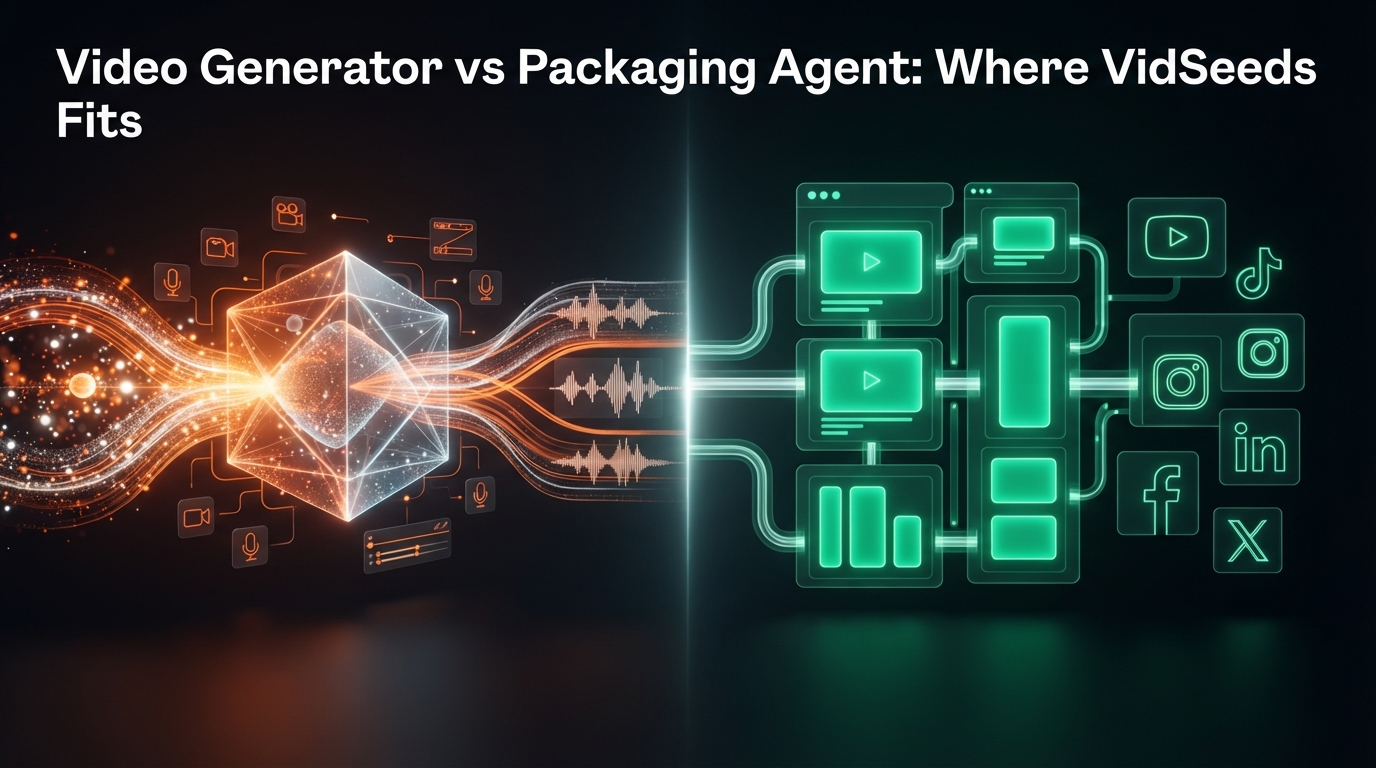
Video Generator vs Packaging Agent: Where VidSeeds.ai Fits
AI video generators create footage from text. VidSeeds.ai packages finished videos for YouTube growth first, with optional clips, captions, and 6 platforms.
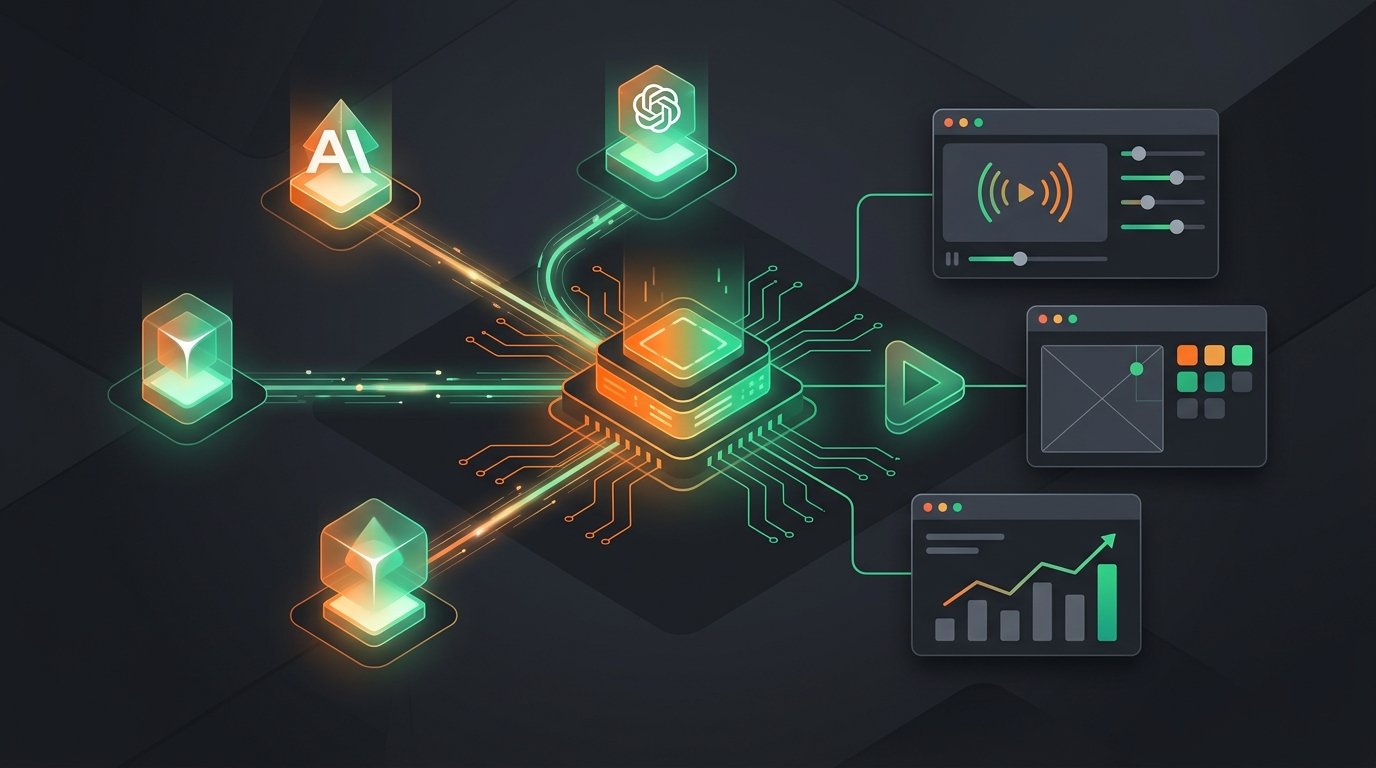
Connect Claude, ChatGPT, and Cursor to VidSeeds.ai via Remote MCP
Connect Claude, ChatGPT, Cursor, Gemini CLI, VS Code, or Windsurf to the VidSeeds.ai Remote MCP Server to run 128 YouTube growth and packaging tools in chat.

Why AI Agents Need VidSeeds.ai MCP Tools Instead of Plain Chat
Plain AI chat guesses from pasted text. See what changes when your agent connects to 128 VidSeeds.ai MCP tools with video evidence, Voice DNA, and analytics.