

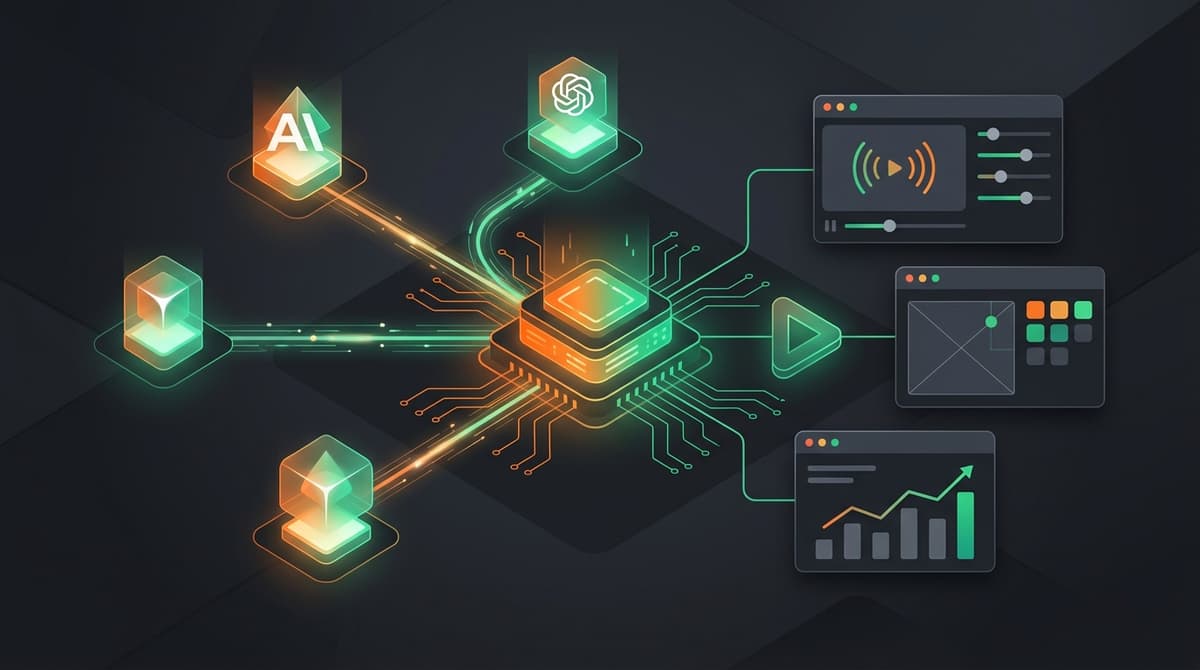
Connect Claude, ChatGPT, and Cursor to VidSeeds.ai via Remote MCP
Connect Claude, ChatGPT, Cursor, Gemini CLI, VS Code, or Windsurf to the VidSeeds.ai Remote MCP Server to run 128 YouTube growth and packaging tools in chat.
Most creators who use AI assistants lose half an hour per upload to tab-switching glue work. You brainstorm an outline in Claude or ChatGPT, switch to your editor, export the cut, open YouTube Studio to check last month's retention numbers, paste a rough transcript back into chat, and still get generic title ideas because the chat window knows nothing about your visual frames, your channel history, or your real voice.
The VidSeeds.ai Remote MCP Server removes that copy-paste loop. Once connected, AI clients including Claude (Claude.ai, Claude Desktop, and Claude Code), ChatGPT, Cursor, Gemini CLI, VS Code, and Windsurf can call 128 remote VidSeeds.ai tools directly from the conversation you already have open, backed by your connected channels, your Author Voice DNA, and your actual Seeds balance.
What Model Context Protocol (MCP) does in plain English
Model Context Protocol (MCP) is the open standard originally introduced by Anthropic that lets AI assistants connect securely to external software over HTTP instead of relying on pasted text. Think of MCP as a typed, permissioned plug: your AI client handles conversation and step-by-step reasoning, while the remote server executes specialized product actions against real data.
When you connect an MCP client to https://vidseeds.ai/api/mcp, your assistant gains direct access to the exact same service layer that powers the VidSeeds.ai web workspace and dashboard agent chat. Nothing runs on stripped-down toy endpoints. Every tool call respects your workspace permissions, logs into your account activity history, and enforces explicit human confirmation before any publish action touches a live platform.
What 128 remote tools cover across your YouTube workflow
Instead of exposing one generic "write metadata" prompt wrapper, the VidSeeds.ai MCP surface organizes 128 focused tools across every stage of YouTube channel growth and multi-platform adaptation:
- Pre-Upload Video Review & Local Media Recipes: Probe local video files, extract audio chunks and representative keyframes on your machine, run multimodal understanding, and generate timestamped pacing cut lists plus NLE timeline marker files (
.xml,.csv,.edl,.fcpxml,.txt). - YouTube Launch Packaging in Your Voice: Draft YouTube titles, saved
24hbackup titles, descriptions, chapters, tags, and SRT/VTT captions grounded in your Author Voice DNA and platform field limits. - Thumbnail Studio & Feed Context: Generate frame-backed thumbnail concepts, refine visual overlays at 16:9 and 9:16, and evaluate candidates against niche visual context.
- Channel Investigation, Opportunity Finder & Video Autopsy: Pull real YouTube Analytics metrics, run Video Autopsy (
/why) aligning measured retention drops and rises with transcript and scene evidence, carry proven pacing rules forward via Blueprint Carry, and audit catalog sleepers for single or bulk re-optimization. - Auto-Clips, Precision Trim & Mid-Roll Ads: Identify standalone 30-to-60-second vertical moments from existing footage, export precision trim plans, and find natural topic transitions for mid-roll ad breaks on monetized uploads.
- Localization & Supporting Destinations: Localize approved YouTube titles, descriptions, chapters, tags, and captions across
85 languages(metadata and captions only, never audio dubbing), adapt native post packages for TikTok, Instagram, Facebook, LinkedIn, and X across6 platforms, and mint expiring/p/[reportId]share links for editors or designers.
For concrete examples of end-to-end prompts that plain chat cannot finish on its own, read why AI agents need real VidSeeds.ai MCP tools.
Client setup matrix: OAuth 2.1 vs. Personal Access Tokens
VidSeeds.ai uses zero passwords anywhere on the platform. Every MCP connection authenticates to https://vidseeds.ai/api/mcp through OAuth 2.1 with PKCE or a revocable Personal Access Token (vs_pat_...) generated inside Settings -> MCP Settings.
| AI Client | Recommended Auth Mode | Remote Endpoint | Setup Flow |
|---|---|---|---|
Claude (Claude.ai & Claude Desktop) | OAuth 2.1 (PKCE) connector | https://vidseeds.ai/api/mcp | Add custom remote MCP connector, paste URL, approve browser sign-in |
| ChatGPT (MCP connectors) | OAuth 2.1 (PKCE) connector | https://vidseeds.ai/api/mcp | Add remote MCP server URL and authorize your VidSeeds.ai workspace |
| Claude Code & Gemini CLI | OAuth 2.1 or Bearer vs_pat_... | https://vidseeds.ai/api/mcp | Register remote HTTP MCP server via CLI config with OAuth or PAT header |
| Cursor & Windsurf | Authorization: Bearer vs_pat_... (or OAuth) | https://vidseeds.ai/api/mcp | Add HTTP MCP entry in mcp.json pointing to /api/mcp with your PAT |
| VS Code (GitHub Copilot / MCP extensions) | Authorization: Bearer vs_pat_... (or OAuth) | https://vidseeds.ai/api/mcp | Add remote HTTP server in .vscode/mcp.json or user settings |
Here is the minimal HTTP configuration pattern for token-based clients (Cursor, VS Code, Windsurf, Gemini CLI, or Claude Code):
{
  "mcpServers": {
    "VidSeeds.ai": {
      "url": "https://vidseeds.ai/api/mcp",
      "headers": {
        "Authorization": "Bearer vs_pat_replace_with_your_token"
      }
    }
  }
}
You can create, label, inspect, and revoke individual vs_pat_... tokens anytime from your account settings. For full details on token scoping and OAuth permissions, read how VidSeeds.ai protects creator channel security.
How the 7-day connector trial and Seeds metering work
Pricing on the MCP surface follows two clear, transparent rules:
- 7-day connector trial, then active paid plan: Every eligible account gets a 7-day MCP connector trial anchored to the moment your first AI client successfully connects (not the day you created your account). After those 7 days, any active paid plan keeps remote MCP access enabled.
- Identical Seeds metering to the web app: Read-only lookups (listing projects, inspecting channel connections, checking your Seeds balance, reading existing reports) consume zero seeds. Metered AI actions (multimodal video analysis, metadata generation, thumbnail generation, localization) spend from the exact same Seeds balance as the web app, and failed runs charge nothing.
On my own channel workflow, keeping Cursor or Claude connected means I can inspect last month's top retention spikes, point at a newly exported mountain-pass cut on disk, review three grounded YouTube title options plus chapter timestamps, and generate an editor share link without breaking focus across four browser windows.
Ready to wire 128 YouTube growth and video packaging tools directly into Claude, ChatGPT, Cursor, Gemini CLI, VS Code, or Windsurf? Open MCP Settings to start your 7-day connector trial. Eligible new accounts can receive 100 free seeds. No credit card is required.
Frequently Asked Questions
Which AI clients work with the VidSeeds.ai Remote MCP Server?
Any client supporting remote HTTP Model Context Protocol works with https://vidseeds.ai/api/mcp, including Claude (Claude.ai, Claude Desktop, Claude Code), ChatGPT, Cursor, Gemini CLI, VS Code, Windsurf, and Codex. Clients with browser OAuth support sign in via OAuth 2.1 with PKCE; CLI and IDE clients can also authenticate with a vs_pat_... Personal Access Token.
Can a connected AI agent publish to my YouTube channel without asking me?
No. Every publish and live metadata-patch tool in the 128-tool MCP catalog enforces an explicit human confirmation gate, matching the web workspace. Your assistant can analyze footage, prepare packages, run preflight readiness checks, and stage changes, while final publication always requires your approval.
How does the 7-day MCP connector trial work?
Your 7-day connector trial starts automatically on your first successful MCP client connection rather than at signup, giving you a full week to test real workflows in Claude, ChatGPT, or Cursor. After the 7-day window, an active paid VidSeeds.ai plan keeps the remote MCP endpoint enabled.
Does using MCP cost extra Seeds compared to the web app?
No. Tool calls through https://vidseeds.ai/api/mcp use the exact same per-action Seed constants as the web app. Read-only inspections and status checks cost zero seeds, paid AI runs require only a positive balance to start, and failed analyses charge nothing.
Andrei Kiparuk
Aurora, ColoradoFounder of VidSeeds.ai and YouTube creator in Aurora, Colorado
We built VidSeeds.ai in Aurora, Colorado after watching great YouTube videos stall because of slow openings, unclear titles, and weak thumbnails. Every guide here comes from the video and channel checks we run ourselves.
About the foundersAsk VidSeeds.ai and MCP
Connect 128 VidSeeds.ai MCP tools to Claude, ChatGPT, Cursor, or Gemini CLI
Start a 7-day MCP trial in Settings or open Ask VidSeeds.ai to check videos, audit your channel, and draft YouTube titles from chat.
- 128 remote MCP tools for Claude, ChatGPT, Cursor, and Gemini CLI
- 7-day MCP trial plus easy token controls in Settings
- The same tools you get in Ask VidSeeds.ai inside the app
Eligible new accounts can receive 100 free seeds. No credit card is required.
Related guides
Why AI Agents Need VidSeeds.ai MCP Tools Instead of Plain Chat
Plain AI chat guesses from pasted text. See what changes when your agent connects to 128 VidSeeds.ai MCP tools with video evidence, Voice DNA, and analytics.
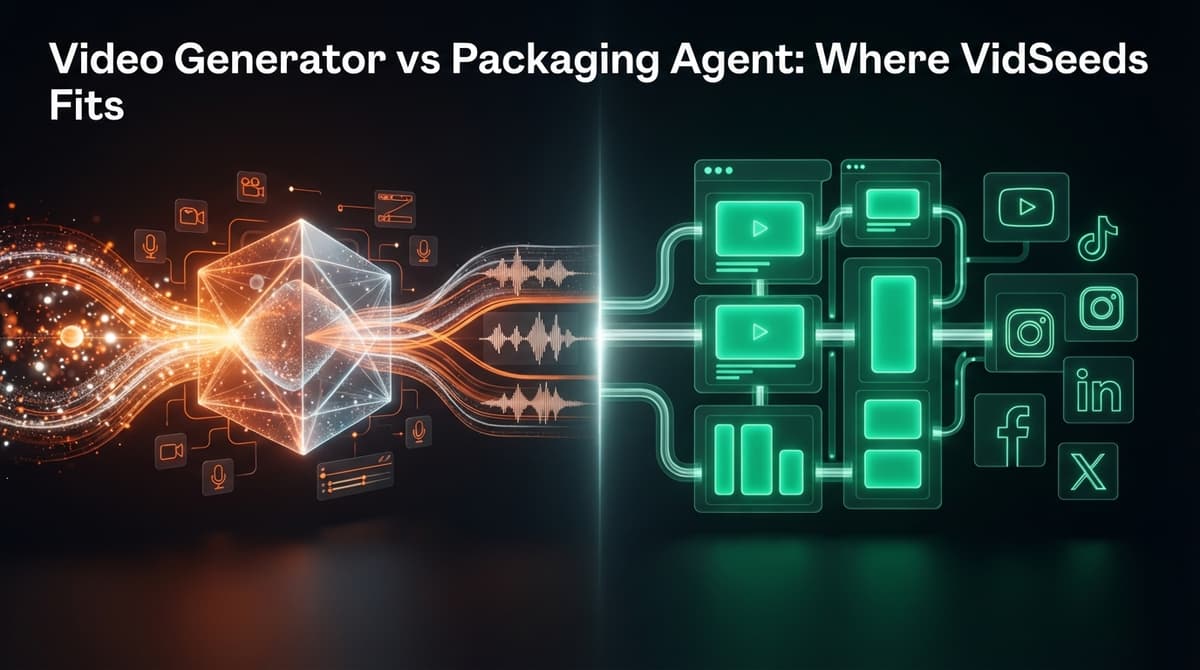
Video Generator vs Packaging Agent: Where VidSeeds.ai Fits
AI video generators create footage from text. VidSeeds.ai packages finished videos for YouTube growth first, with optional clips, captions, and 6 platforms.
VidSeeds.ai 3.0: Inside Our Trainable Video Content Agent
How VidSeeds.ai learns your Author Voice DNA, connects Video Autopsy retention lessons through Blueprint Carry, and exposes 128 tools via our MCP server.